AI Act and chatbots: what must you tell your visitors?
Since 2 August 2026, Article 50 of the EU Artificial Intelligence Act (AI Act, Regulation (EU) 2024/1689) has applied. If a chatbot answers your visitors on your website, in Messenger or on Instagram, this rule concerns you. The good news: the obligation is simple, and much of it is the chatbot platform's job. The less good news: a few settings let you break the rule yourself, even with the best intentions.
This article walks through what the regulation actually says, who is responsible for what, and what compliant chatbot disclosure looks like in practice for a small business. It is general information, not legal advice.
What does Article 50 of the AI Act require from chatbots?
The regulation places most customer service and sales chatbots in the limited-risk category. That means no licence, no conformity assessment and no registration with an authority. There is one main obligation: transparency.
Under Article 50(1), an AI system that interacts directly with people must be designed so that they are informed that they are talking to an AI, not a human. The only exception is when this is obvious to a reasonably well-informed, observant person from the context. Read that exception narrowly. Nobody assumes that a chat window called "Kate, customer support" with a smiling profile photo is a machine.
Article 50(5) covers the how. The disclosure must be:
- clear and distinguishable, not a footnote in small print;
- timely, at the latest at the moment of the first interaction, so at the start of the conversation, not after the tenth message;
- accessible, so it works with screen readers and on mobile.
A sentence buried in your terms and conditions, or a vague "virtual helper" label, is not enough on its own. Visitors need to see who they are talking to inside the conversation itself.
Who is responsible: the platform or you?
The regulation distinguishes two roles. The provider develops the AI system and places it on the market. For a chatbot, that is the platform, for example ChatAutomata. The deployer uses the system in its own business: the webshop, the beauty salon, the law firm. In other words, you.
Article 50(1) mainly binds the provider, who has to build the system so that disclosure happens by default. That does not mean you can sit back as a deployer. If your settings remove or disguise every signal, for instance with a human name, a real employee's photo and a "Hi, I'm Kate from the team" greeting, then in practice you are the one making the conversation misleading.
Two obligations in the regulation fall directly on the deployer:
- AI literacy (Article 4), applicable since 2 February 2025: the people who manage your chatbot should broadly understand how it works, what it can do and where it can go wrong.
- Labelling AI-generated content (Article 50(4)): if you publish AI-generated images, video or audio that look deceptively real, you must disclose it. The same applies to AI-written text published to inform the public on matters of public interest, unless a human has reviewed it and someone holds editorial responsibility.
What happens if you skip the disclosure?
Under Article 99, breaching Article 50 can lead to a fine of up to EUR 15 million or 3% of worldwide annual turnover. For large companies the higher amount applies; for SMEs and start-ups, the lower one. So a hair salon in Debrecen is not realistically looking at EUR 15 million, but the ceiling shows how seriously the legislator takes the issue.
In practice, the bigger risk is often lost trust. A customer who realises halfway through that a machine has been answering all along, while they thought it was a person, has a worse experience than one who knew from the start. That is the stuff of sharp Google reviews. A transparent bot, by contrast, sets expectations: visitors know they will get a fast but limited answer, and that they can ask for a human.
What compliant chatbot disclosure looks like in practice
There are three places to make it clear that AI is answering: the chat window header, the welcome message and the bot's name.
1. The chat window header
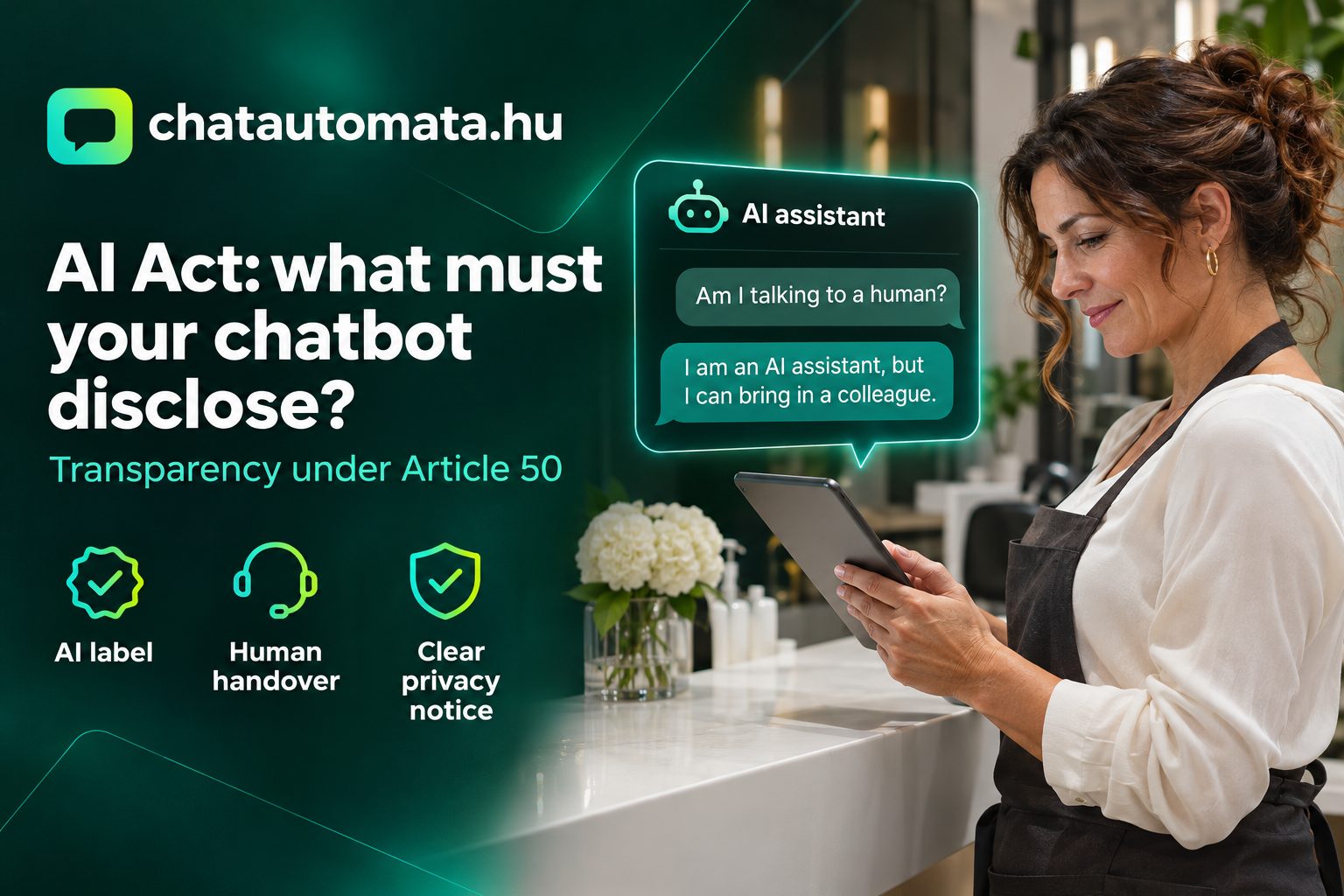
This is what the visitor always sees, wherever they are in the conversation. ChatAutomata permanently shows an "AI assistant" label in the header of every website chat widget. You cannot switch it off, whatever you name the bot and whatever colours or logo you choose. Because the label sits inside the conversation, it meets the Article 50 requirement.
2. The welcome message
On top of the header, say it plainly in the first message as well. This matters most on Messenger and Instagram, where the chat interface belongs to Meta's app and visitors mainly read the greeting. A few examples:
- ✅ "Hi! I'm the AI assistant of Violet Salon. I can help you book an appointment and answer questions about prices. If you'd rather talk to my colleague, just type staff."
- ✅ "Hello! I'm an AI. I can tell you about our products and delivery. For problems with an order, I'll pass you to customer service."
- ❌ "Hi, I'm Kate, how can I help?" (human name, no signal at all)
- ❌ "Welcome from our virtual team!" (vague; the visitor cannot tell whether it is a person)
3. The bot's name and picture
You can give the bot a name; that is not forbidden. "Salon Assistant" or "Pixi, the shop's AI" are fine. Do not use a real employee's name and photo, though, and never write "I'm part of the team". If a visitor asks whether they are talking to a human, the bot should always answer honestly. Put that in the system prompt too.
Human handover: not mandatory, but your best safeguard
Article 50 does not require a human to be available next to the chatbot at all times. But disclosure works best when visitors also have a choice. Once they know they are talking to a machine and the answer does not satisfy them, it is natural to look for a person.
With ChatAutomata's operator takeover, your team member can step into a live conversation and take over, and the bot stays quiet. Outside opening hours, the chatbot can record the visitor's contact details so a colleague can call back the next day. When the knowledge base has no answer, the bot says so instead of making something up. We covered this in detail in Chatbot or live support: when does each one pay off?
This matters even more in sensitive fields. In a medical practice or a law firm, the chatbot can pre-screen and book appointments, but the actual professional question always needs a human. See our articles on chatbots in medical practices and law firm chatbots.
Your privacy notice and the GDPR
The AI Act does not replace the GDPR; both apply. If the chatbot asks for a name, email address or phone number, that is personal data processing, and the visitor needs to know what happens to their data. Check three things:
- Your privacy notice should mention the chatbot: what data it records, what you use it for, how long you keep it, and who the processor is.
- Automated decisions: if the bot makes a decision that significantly affects the visitor (for example, rejecting an application), Article 22 GDPR sets specific rules. A booking or product recommendation chatbot usually does not do this, but it is worth knowing where the line is.
- Data minimisation: only ask for what you actually need. Name and phone number are enough for a booking; a date of birth is not.
ChatAutomata's data processing documentation has a dedicated chapter on artificial intelligence and automated decisions, and data is stored on EU servers, which makes it easier to extend your own notice. More on our AI Act summary page and the security page.
Four common myths about the AI Act and chatbots
"It doesn't apply to small businesses."
It does. Article 50 makes no exception based on company size. SMEs get relief on the fine ceiling, but the obligation is the same. A one-person photo studio's chatbot also has to signal that AI is answering.
"Putting it in the terms and conditions is enough."
It isn't. The disclosure has to be clearly visible, at the latest at the first interaction. Only a tiny share of visitors read the terms, and certainly not before opening the chat window.
"A bot that seems human converts better."
It may start a few more conversations in the short run, but some of them end in disappointment. People who think they are writing to a person ask more complex, personal questions, and feel let down by a mechanical answer. With a transparent bot, visitors ask what the bot can answer well straight away: prices, opening hours, free slots, delivery times.
"The AI Act forbids chatbots from collecting data."
It doesn't. Recording leads' contact details is still fine, as long as you follow the GDPR: a legal basis, a privacy notice and data minimisation. If you want to know how a conversation turns into a customer, read our article on chatbot lead generation.
Checklist: 7 points, 15 minutes
If a chatbot is already running on your site, you can go through this list over a coffee:
- Open your site in an incognito window, on mobile too. Is it visible before the first message that AI is answering?
- Read the welcome message. Does it clearly say the visitor is talking to an AI?
- Check the bot's name and picture. Are they not the name or photo of a real employee?
- Ask the bot: "Am I talking to a human?" Does it answer honestly?
- Type: "I'd like to talk to a person." Is there a route to a human: takeover, callback or email?
- Open your privacy notice. Is the chatbot mentioned?
- Ask the colleague who handles conversations: do they know where the bot gets its answers, and what to do if it gave a wrong one?
If the answer is yes to all seven, your chatbot disclosure is in good shape. If you get stuck somewhere, tidying up the knowledge base is usually the best first step; our guide on training a chatbot on your own content shows how.
Start with a compliant chatbot
ChatAutomata handles the provider side by default: a permanent "AI assistant" label in the widget header, operator takeover, answers based on your knowledge base, and GDPR documentation. All you need to set up well is the greeting and the name.
The Pro plan is free until 31 December 2026. After that, if you don't subscribe, your chatbot keeps running on the free plan; it won't stop. See the plans or try the demo.