Lead generation with a chatbot: turning conversations into customers
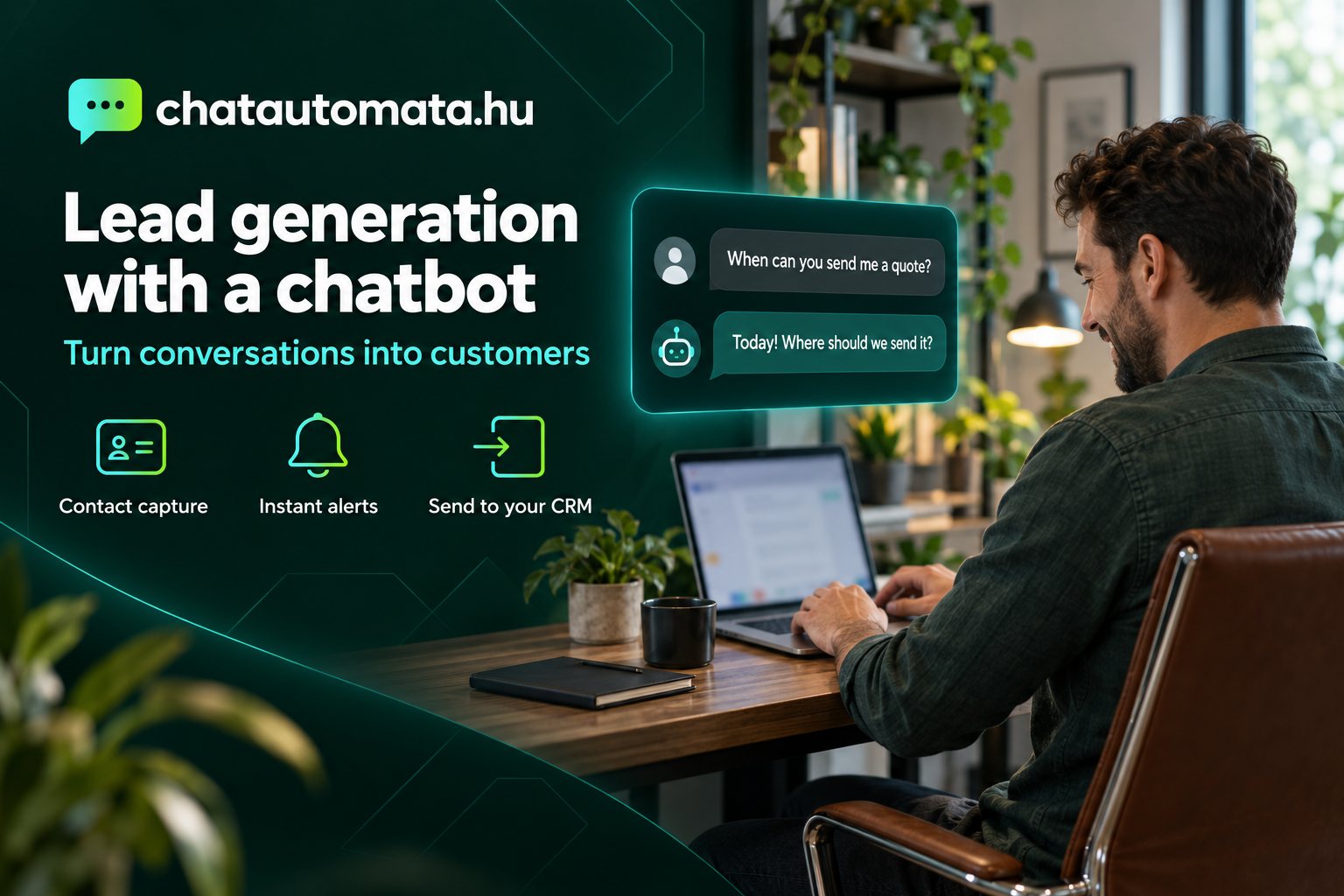
Most websites see the same thing every day: a visitor arrives, looks around, maybe opens the pricing page, and then leaves. No message, no call, and you never find out who it was. A chatbot can change that, but only if it does more than answer questions. It has to turn the conversation into a lead, and the lead into a customer.
In this article we walk through how chatbot lead generation works in practice: when the bot should ask for contact details, what it should ask, where the data should go, and what needs to happen next so an enquiry actually becomes business.
What is a lead, and why is chat a good place to capture one?
A lead is any visitor who has left their contact details and told you what they are interested in. They are not a customer yet, but they are no longer anonymous. You can now get in touch with them.
On a traditional website, the contact form does this job. The problem with a form is that the visitor has to commit before getting any answer: fill in five fields, then wait. Chat reverses the order. The visitor gets a useful answer first, and once they can see it is worth it, they share their email address or phone number. That order is the whole difference.
A chat lead is also more than a name and an email address. The full conversation comes with it: what they asked, what interested them, where they got stuck. When you call them back, you are not starting from zero.
When should the chatbot ask for contact details?
The most common mistake is asking for an email address in the very first message. It is like a shop assistant asking for your phone number instead of saying hello. Most visitors simply close the window.
It works much better if the bot asks for contact details in three situations:
- When the answer needs a human. A custom quote, a specific appointment, a more complex question. Here "Happy to put a quote together for you, where should we send it?" feels natural.
- When the bot does not know the answer. ChatAutomata answers from your own knowledge base. If it cannot find the answer, it does not make one up: it asks for contact details and passes the question on. That way even an unanswered question becomes a lead.
- When the visitor is already committed. They have looked at prices, asked about free slots or delivery. At this point they want the conversation to continue too.
For appointment-based businesses you often do not need a separate lead at all: the bot books the appointment, and the booking already contains the details. We covered this in our article on the booking assistant chatbot.
What should the bot ask, and what should it not?
Every extra question lowers the chance that the visitor finishes. ChatAutomata's lead capture saves the name, email address, phone number and the topic of interest. You rarely need all four.
- For a webshop, an email address and the question are enough. Only ask for a phone number if you are actually going to call.
- For service providers such as photographers or beauty salons, name and phone number matter most, because a short call often closes the deal.
- In B2B, it is worth asking for the company name, but only near the end, once it is clear the enquiry is serious.
What not to ask: anything you do not need for the first contact. Date of birth, home address or health information has no place in the first minutes of a chat, and it is an unnecessary data protection risk. We wrote separately about what a chatbot in a medical practice may ask and must never store.
Wording matters too. Compare these two sentences:
- "Please enter your name, email address and phone number."
- "Happy to prepare an exact quote for you. Which email address should I send it to?"
The first one sounds like a form, the second like a helpful salesperson. The second also asks for only one piece of information and tells the visitor what they get in return. If you need a phone number later, you can ask for it in a next step, once the conversation is under way.
When you ask for contact details, always say what you will use them for. One short sentence is enough: "We will send the quote to this address and won't use it for anything else." This matters for GDPR, but it also means more people actually share their details.
Proactive messages: don't wait for the visitor to start
Most visitors never start a conversation on their own, so it pays for the bot to reach out at the right moment. In ChatAutomata you can set page-based or time-based rules for when the bot speaks first and what it says.
A few examples that tend to work well:
- On the pricing page, after 20–30 seconds: "Want help choosing the plan that fits you?"
- On a product page: "Questions about sizing or delivery? Happy to help."
- On the contact page: "If it's quicker, write here and we'll get back to you today."
A proactive message works when it is specific and matches the page. A generic "How can I help?" starts far fewer conversations than a question about exactly what the visitor is looking at.
Where do leads go, and who handles them?
A lead is only worth as much as the speed of your response. So the key question is not how many leads the bot collects, but what happens to them afterwards.
ChatAutomata gives you several options:
- Email notification: you get an email about every new lead. This is included from the Starter plan, and for a smaller business it is often all you need.
- Push notifications: your browser alerts you to a new conversation or a request for live help, even when the admin panel is not open.
- Send to your CRM: from the Pro plan, leads can go straight into HubSpot, Pipedrive, Zoho CRM, MiniCRM or a Notion database.
- Newsletter lists: if the visitor has consented, they can be subscribed automatically to your list on Hirlevelek.eu, Brevo or Mailchimp, for example.
- Webhooks and automation: through Zapier, Make or n8n you can trigger any workflow of your own when a new lead arrives.
Whichever you choose, response time matters most. People who enquire via chat often contact several businesses at once, and whoever answers first and accurately usually wins. If a lead sits in an inbox for two days, chances are they have already gone with someone else. Decide who handles new leads and how fast, and promise it in the bot's closing message: "We'll get back to you today."
You can find every available connection on the integrations page.
If a visitor asks for live help, operator takeover lets a colleague join the conversation at any time and hand it back to the AI afterwards. That way a hot lead does not have to be called back later: it can be closed right there.
An example: how a conversation becomes a customer
Say we are on the website of a wedding photographer in Debrecen, Hungary. The visitor is looking at the wedding packages, and after 25 seconds the bot asks: "Do you already have a date? I can check if it's free."
- The visitor types in the date and the venue. The bot explains from the knowledge base what each package includes.
- They ask whether video is possible too. The bot answers, then offers: "Happy to send you a custom quote. Where should we send it?"
- The visitor leaves their name, email and phone number. The lead is saved together with the conversation.
- The photographer gets an email about the new lead and can already see the date, the venue and the package in question.
- They call the couple the same day. By then the couple had written to two other photographers as well, but this was the first one to come back with an exact quote.
The bot did not sell anything in this process. What it did was make sure the visitor did not disappear, and that the answer was faster and more precise than the competition's. We wrote about setting this up for photographers in filtering price enquiries before they eat your day.
How do you measure whether it works?
With a chatbot, three numbers are worth watching regularly:
- How many conversations start compared with your visitors. If it is low, adjust your proactive messages.
- How many conversations turn into leads. If there are plenty of conversations but few leads, the bot asks for contact details either too early or too late.
- How many leads turn into customers. This no longer depends on the bot, but on how fast and how well you respond.
In ChatAutomata, conversations are searchable, and the usage reports show traffic, popular topics and conversion points. It is worth reading through conversations once a week: they show what people actually ask and what is missing from your knowledge base. For the early weeks, see what happens in the first 30 days after launching a chatbot.
Common mistakes you will spot in the conversations
- The bot asks for contact details too early. If many conversations end after the first question, this is often why.
- An important answer is missing from the knowledge base. If the bot keeps replying "I'll pass this on" to the same question, add the answer and the bot will handle it next time.
- Nobody looks at the leads. Even the best bot collects in vain if notifications go to an inbox nobody checks.
- There is no follow-up. Someone who did not reply to your first quote may still be interested. A short reminder a few days later often brings more than a brand-new lead.
Try it on your own website
Lead generation does not work just because there is a chat window on your site. It works because the bot asks at the right moment, asks only for what it needs, and sends leads straight to someone who will act on them.
If you are starting now, you can get going in three steps:
- Fill the knowledge base with your website content and your answers to the most common questions. The more accurate answers it has, the less often a human needs to step in.
- Decide when the bot should ask for contact details, and what. Start with a single field, usually the email address.
- Decide where leads should go and who handles them. Email notifications are plenty at first; you can connect a CRM later.
Read through the conversations in the first weeks and fine-tune your proactive messages and knowledge base. Most of the improvement comes from these small adjustments, not from the technology.
You can try ChatAutomata for free: after signing up you get 14 days of full Pro access without a bank card, and then you keep the free plan with no time limit. See the features and the plans and pricing.