Booking assistant chatbot: automate your reception 24/7
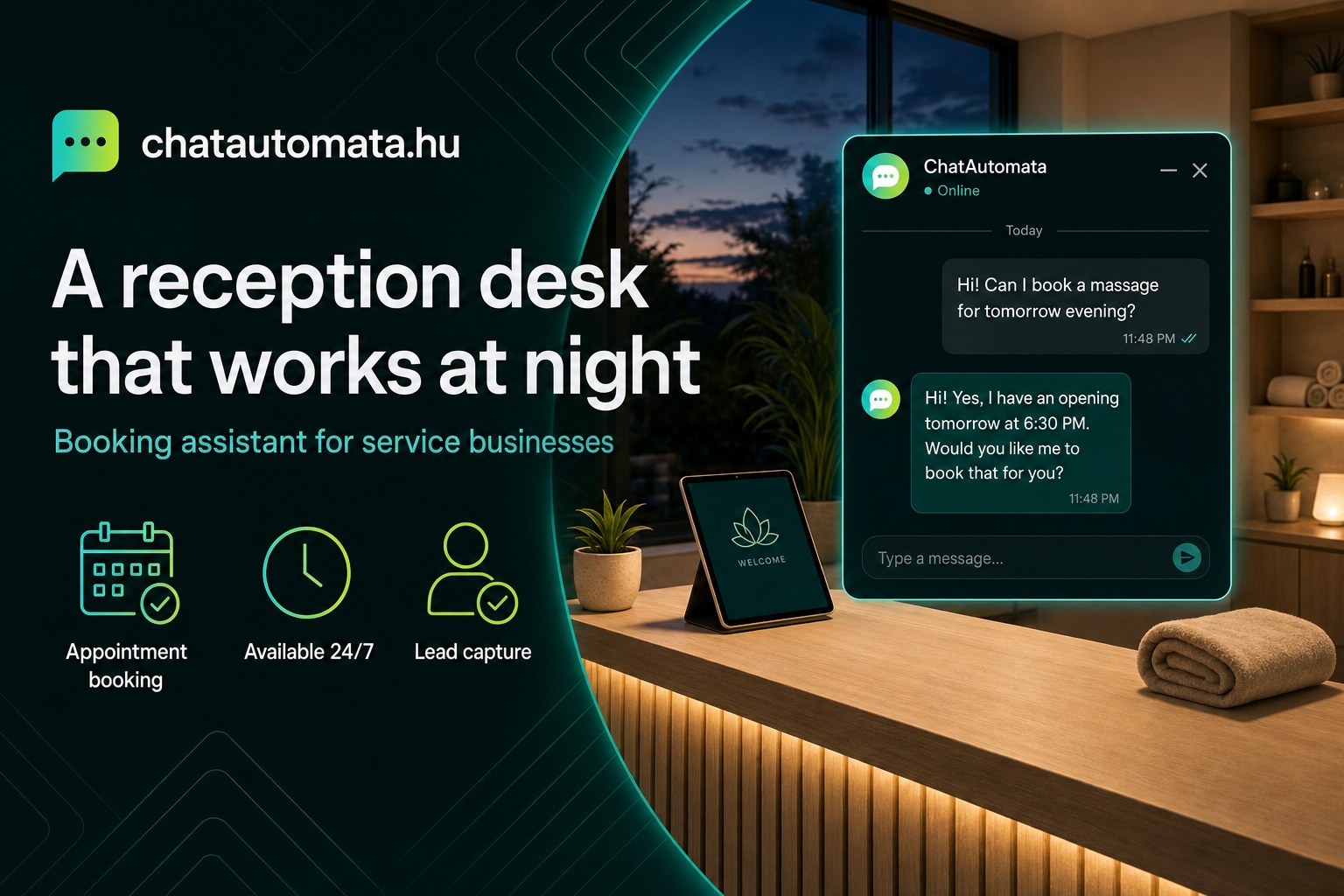
Picture this. At seven in the morning a customer opens your website, because she wants a hair appointment on Saturday. She does not know when you will be free to pick up the phone. The online form asks for six fields, and only after submitting does she find out the slot she wanted is already taken. She closes the tab and goes to your competitor.
This happens daily to service businesses — hair salons, dental practices, beauty studios, law firms, garages, massage therapists. The answer is not another form, and it is not a chat widget that only says "leave us a message". It is a booking assistant: something that does the receptionist's job, around the clock.
What a booking assistant actually is
An ordinary chatbot talks. A booking assistant acts — it checks your calendar, creates the appointment, sends a confirmation by email and schedules a reminder for the day before.
The technical difference is tool-calling. Instead of only generating text, the bot calls APIs in the background: your calendar, your CRM, your invoicing software. To the customer it feels like talking to a trained colleague, not to a chat window.
Here is what that looks like in a hair salon:
Customer: I'd like a haircut on Saturday.
Bot: Let me check Saturday for you. Which service did you have in mind — women's cut (45 minutes) or men's cut (30 minutes)?
Customer: Women's.
Bot: These slots are open on Saturday: 9:00, 10:30, 14:00, 15:30. Which suits you?
Customer: 10:30.
Bot: Perfect. What name should I put it under, and where should I send the confirmation?
Customer: Anna, anna@email.com
Bot: Thanks Anna! You're booked for Saturday at 10:30, women's cut. Confirmation sent, and you'll get a reminder tomorrow morning.
The whole exchange takes about a minute, with no phone call, at whatever hour suits the customer — including two in the morning.
Why a contact form is not enough
Many business owners assume a form and a chatbot do the same job. They differ in three ways that matter.
A form is asynchronous. The customer fills it in, waits a day or two for a reply, and often loses patience in between. The bot answers in seconds.
A form is static. It never adapts. If the customer wants to know the price, the form cannot tell her — the bot pulls the answer straight from your own material.
A form does not book anything. It produces a lead that you then have to call back. The booking assistant creates the appointment, and it is already in your calendar.
A concrete case: the chatbot on dobofoto.hu, a wedding photography business, cut manually handled quote requests from about forty a week to twelve within two weeks. Those twenty-eight avoided exchanges are roughly twelve hours of admin — most of a working day, every week.
What it needs from you
The setup is less work than most people expect, but it is not zero. Three things determine whether it works well:
Your services, with realistic durations. If a colour treatment actually takes a hundred minutes, do not set it to seventy. The bot books exactly the time you tell it to, and an optimistic estimate turns into a delay by mid-afternoon.
Your knowledge base. Price list, service descriptions, frequently asked questions. The bot quotes from these and does not invent — if it cannot find the answer, it asks for an email address and passes the question to you.
Your booking rules. Should the appointment confirm automatically, or wait for your approval? Do you want a deposit? These are settings, not code, but somebody has to decide them.
Where the limits are
Worth being clear about this, because a booking assistant that oversteps causes more trouble than it saves.
Do not hand it individual pricing. If a job's price depends on what you see on site, let the bot gather the details and quote the price yourself.
Do not hand it sensitive matters. Health complaints, legal situations, complaints about your service — the right behaviour is to pass those to a person quickly and politely.
And if you do not want anything confirmed automatically, set it to collect only. Approval stays with you.
Where customers actually reach you
Worth thinking about honestly. For most small businesses it is three places: the website, Facebook Messenger and Instagram DM.
The same bot runs on all three, and the conversations land in one place. That matters most when you are busy — the message that tends to get lost is the one that arrived on a channel you did not check for three days.
Getting started
If you are setting this up, work in this order:
- List your services with honest durations.
- Upload your price list and FAQ — this is what the bot answers from.
- Decide the booking rule: automatic confirmation or your approval.
- Connect Messenger and Instagram if that is where people write to you.
- Read the conversations after a week. What people ask is rarely what you expected.
That fifth step is the one that gets skipped and the one that pays off. If fifteen people ask the same question, that is a missing paragraph on your website, not a chatbot problem.
You can try it with your own website content — the demo builds a bot from your pages in about a minute. If you want to see the setup for your industry, we have breakdowns by sector: photographers, beauty studios, medical practices, law firms, education and webshops.