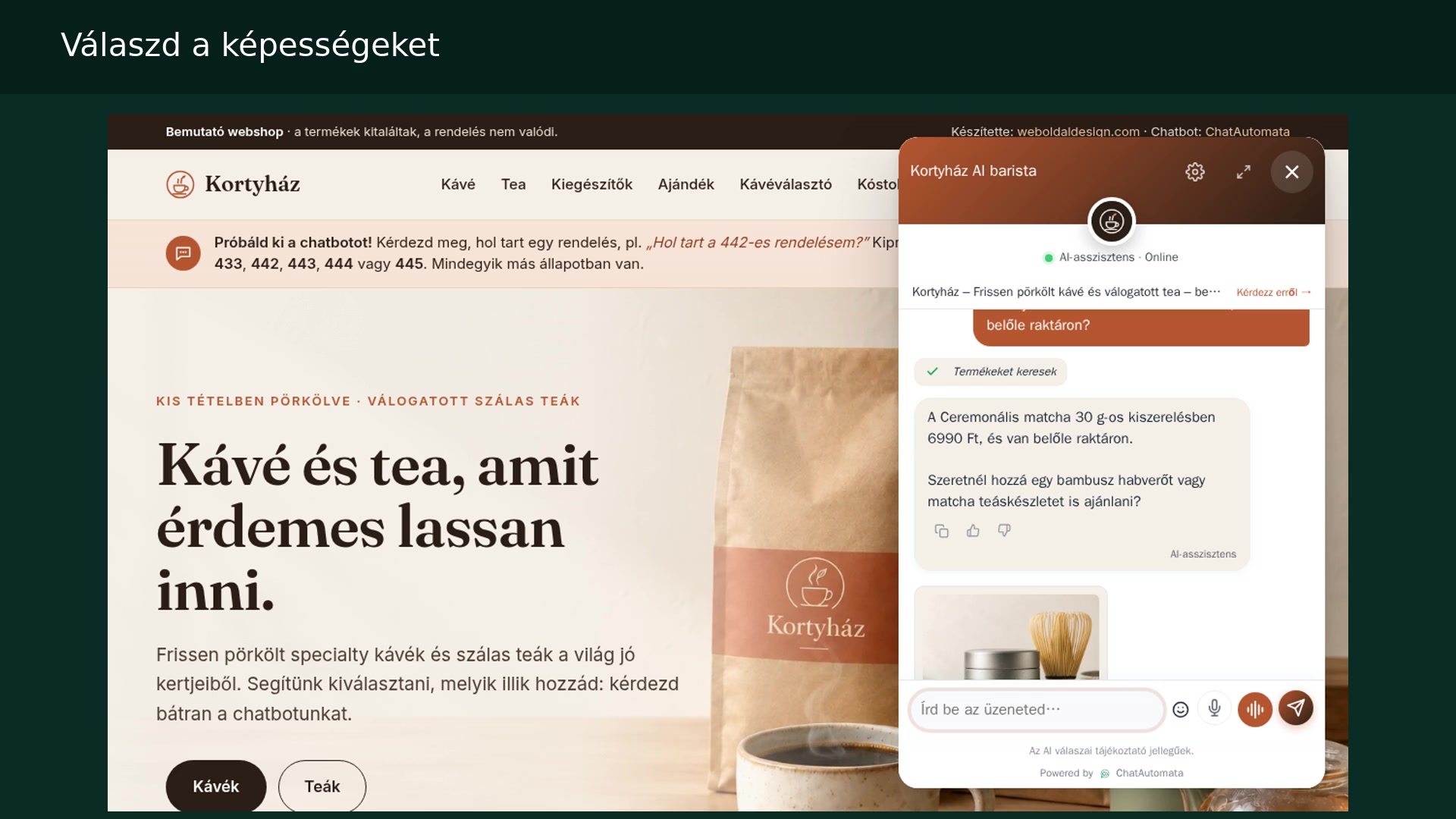
Watch the walkthrough
Hungarian narration · English and Hungarian subtitles
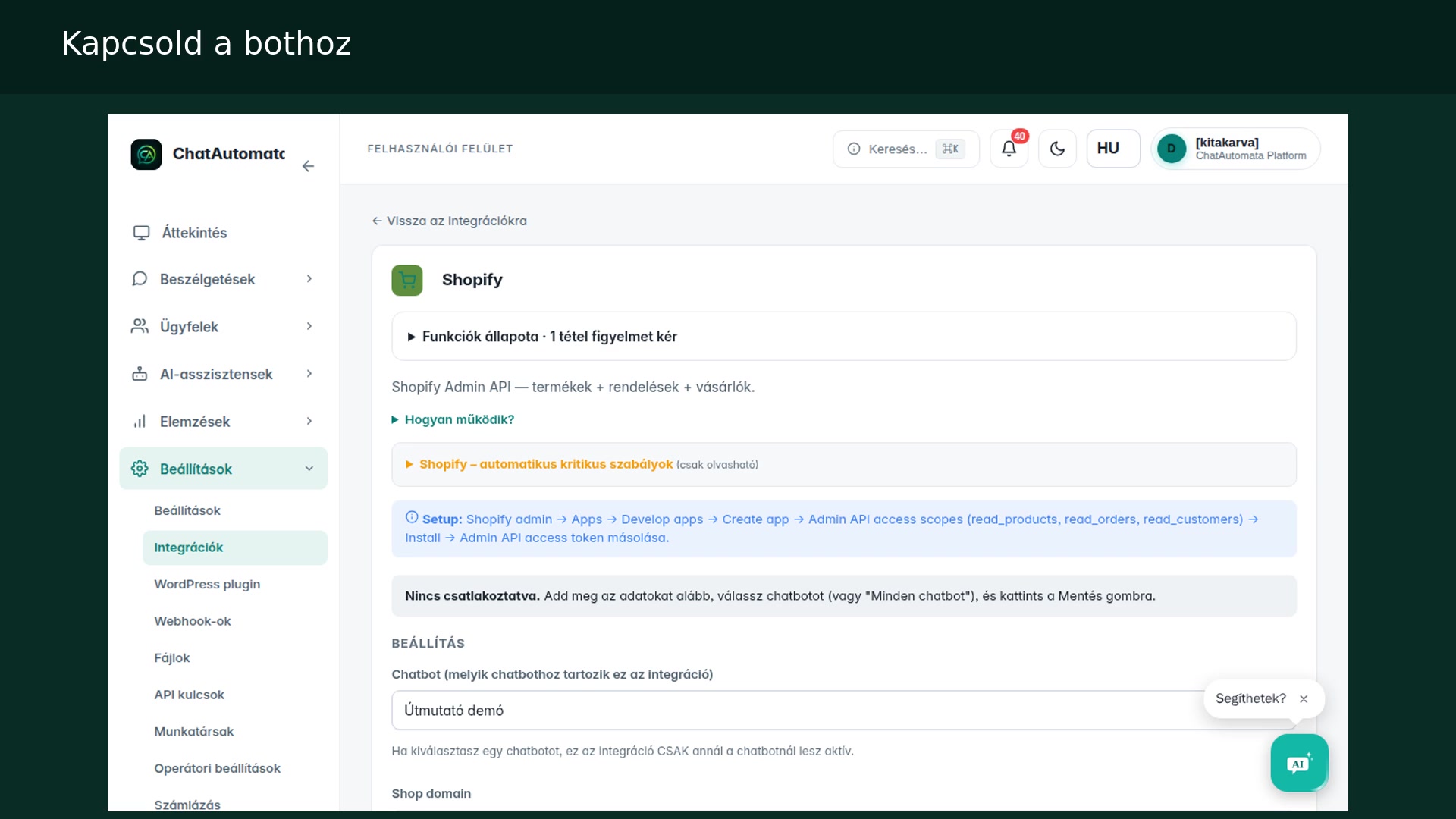
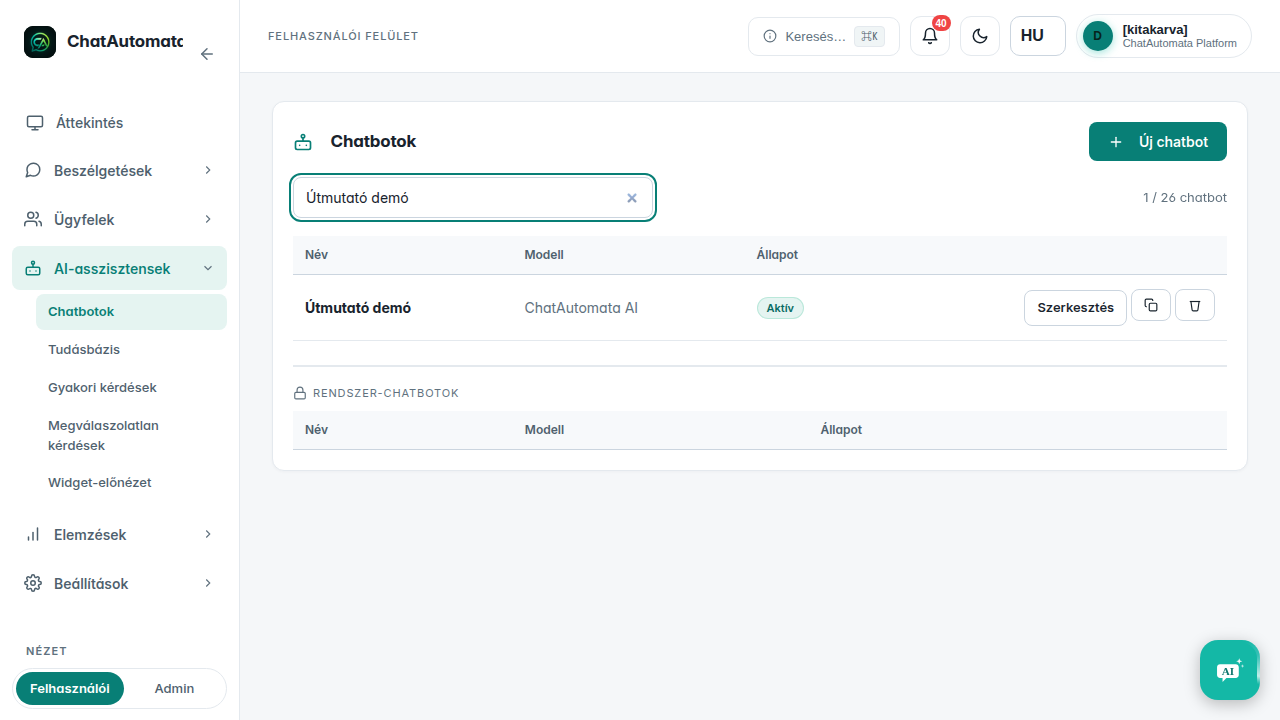
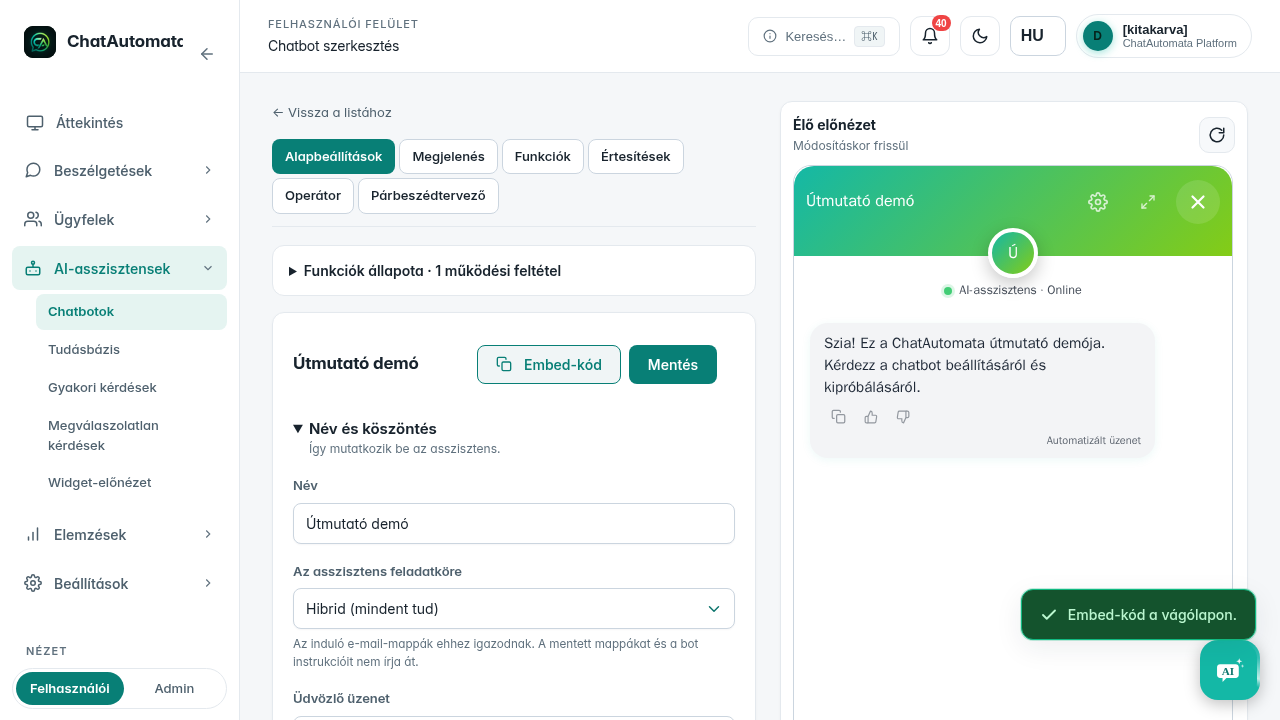
The screenshots show the Hungarian interface in our own demo account. Menu names are translated in the instructions below.
Before you begin
- An existing chatbot and access to edit the website or administer WordPress.
01Choose the chatbot
Open AI assistants → Chatbots and select your bot.
02Copy the snippet
The Embed code button beside the chatbot copies the snippet to your clipboard. Wait for the copy confirmation.
03Add it to your website
Paste the snippet into the <body> section of your website, then save and publish the page.
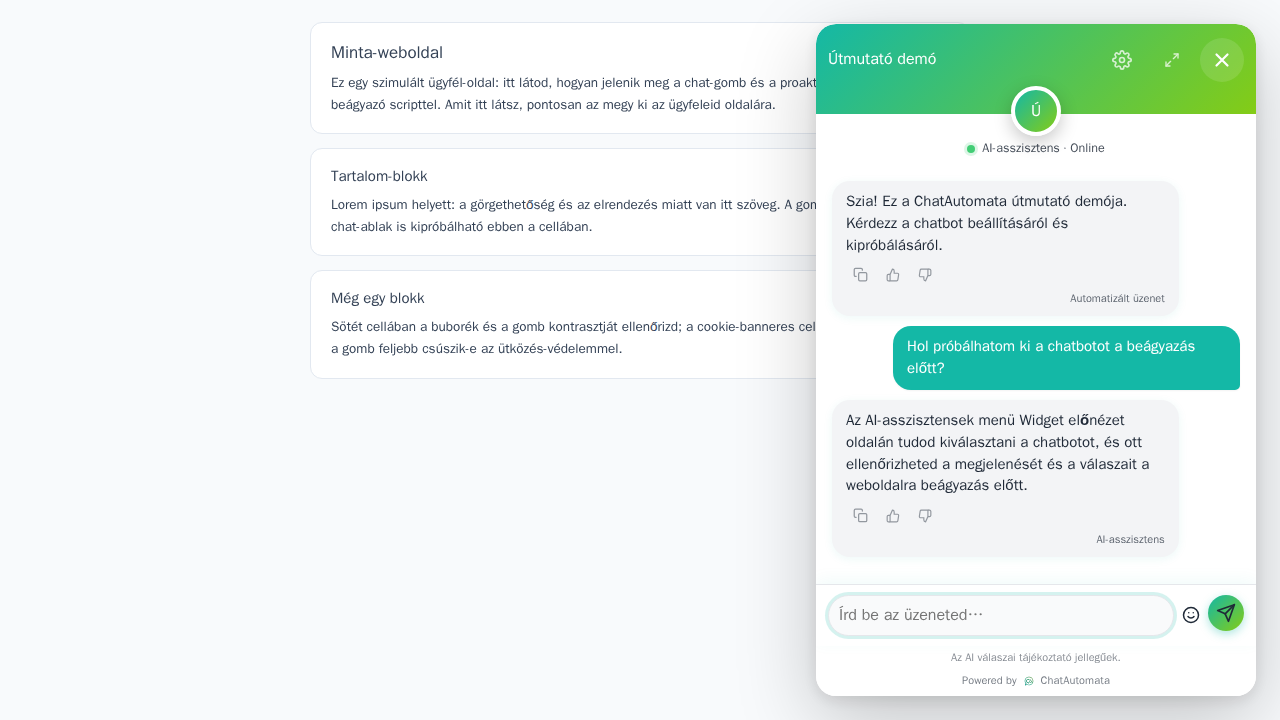
04WordPress alternative
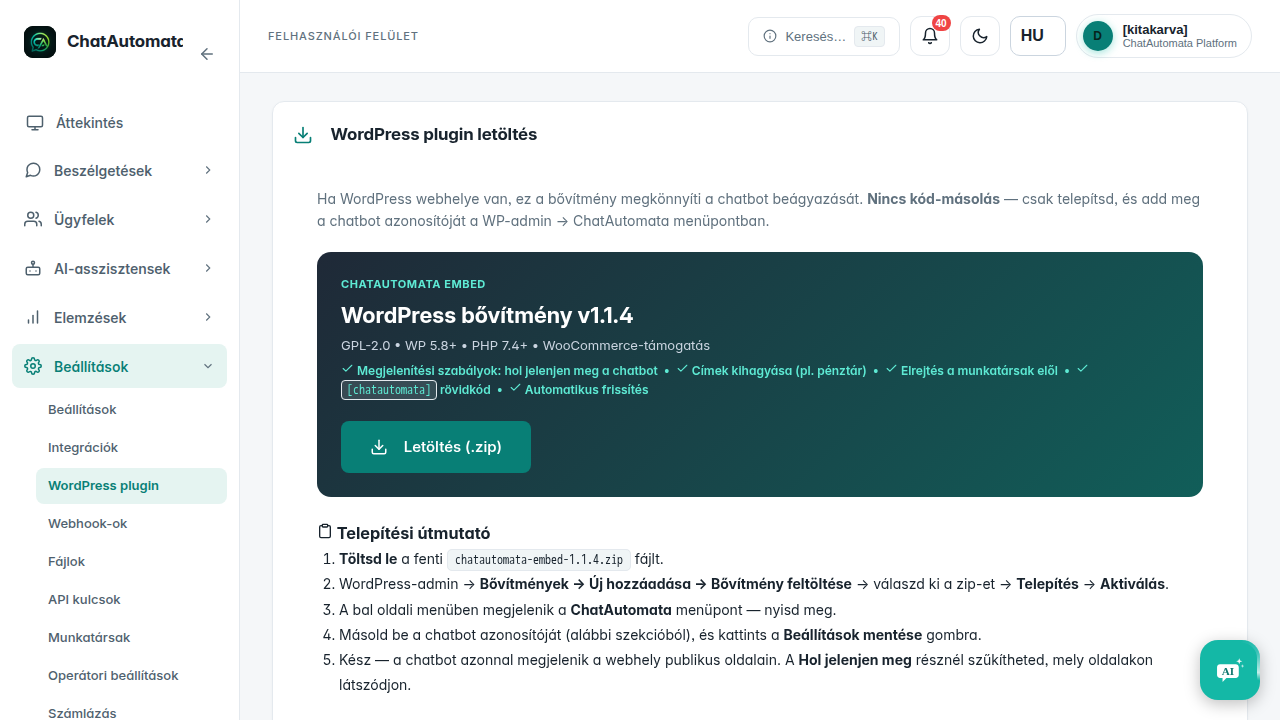
Open Settings → WordPress plugin, download the plugin, then install and activate it in WordPress.
05Configure and check
Open ChatAutomata in the WordPress sidebar, enter the selected chatbot ID and save. Open a public page of your site and check the widget. Use one installation method to avoid loading the chatbot twice.
Check your result
- The selected chatbot appears on the website.
Questions & answers
Do I need both installation methods?
Choose either the website snippet or the WordPress plugin.
Read the video transcript
Embed a chatbot on a website or WordPress.
Choose the chatbot. Open AI assistants → Chatbots and select your bot.
Copy the snippet. The Embed code button beside the chatbot copies the snippet to your clipboard. Wait for the copy confirmation.
Add it to your website. Paste the snippet into the <body> section of your website, then save and publish the page.
WordPress alternative. Open Settings → WordPress plugin, download the plugin, then install and activate it in WordPress.
Configure and check. Open ChatAutomata in the WordPress sidebar, enter the selected chatbot ID and save. Open a public page of your site and check the widget. Use one installation method to avoid loading the chatbot twice.