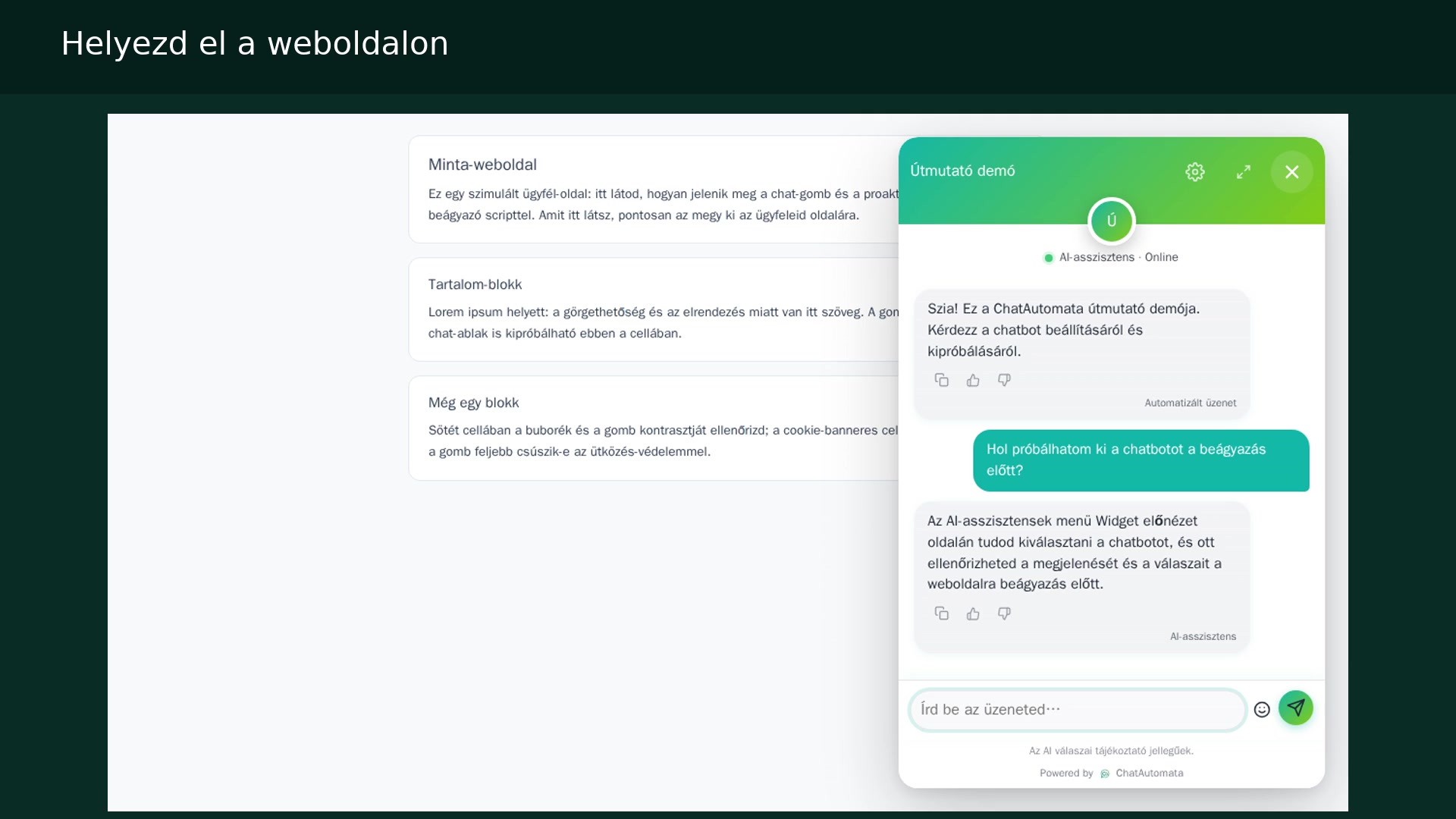
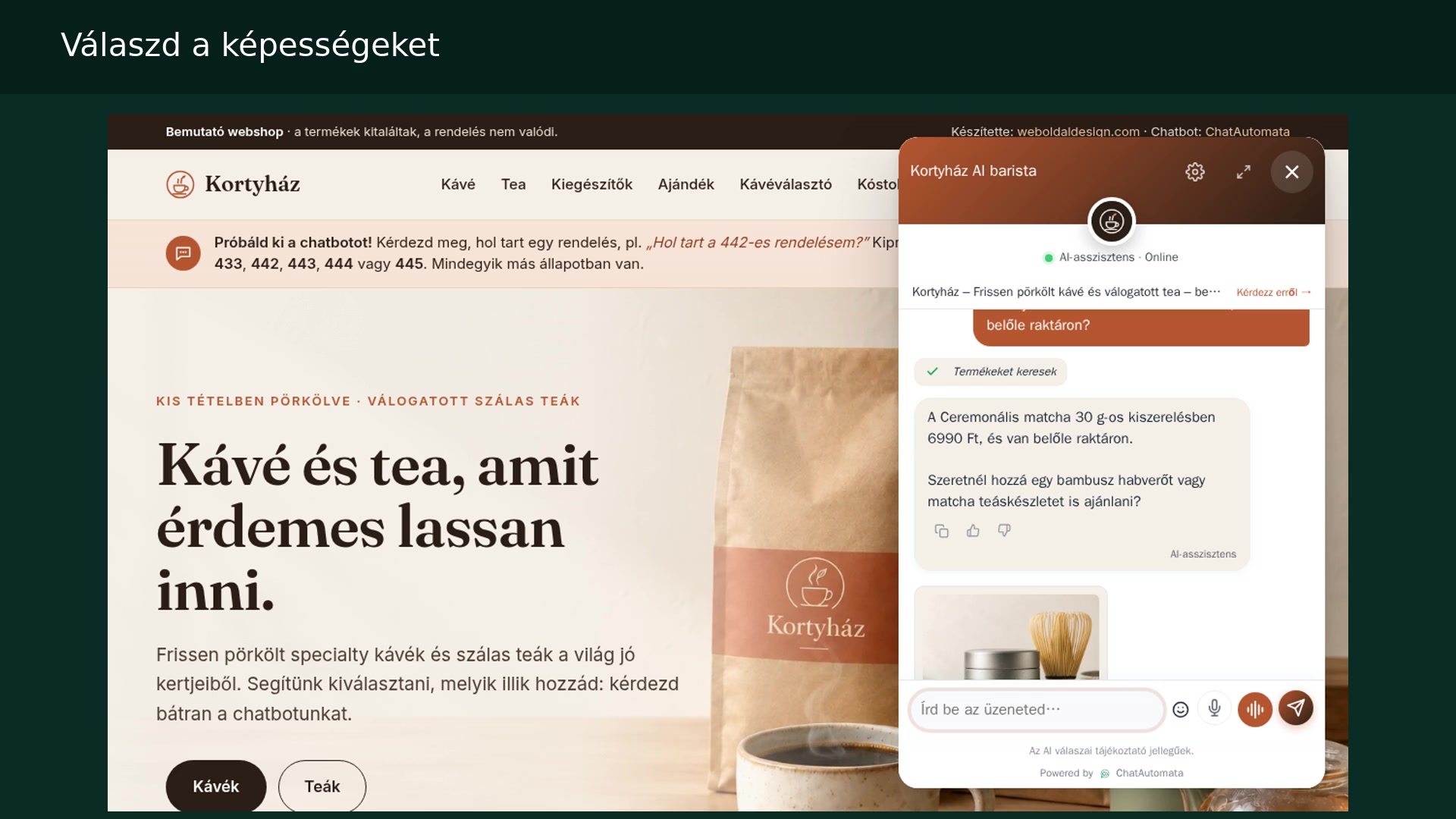
Watch the walkthrough
Hungarian narration · English and Hungarian subtitles
The screenshots show the Hungarian interface in our own demo account. Menu names are translated in the instructions below.
Before you begin
- A compatible store and authorised access; a plan permitting webshop actions.
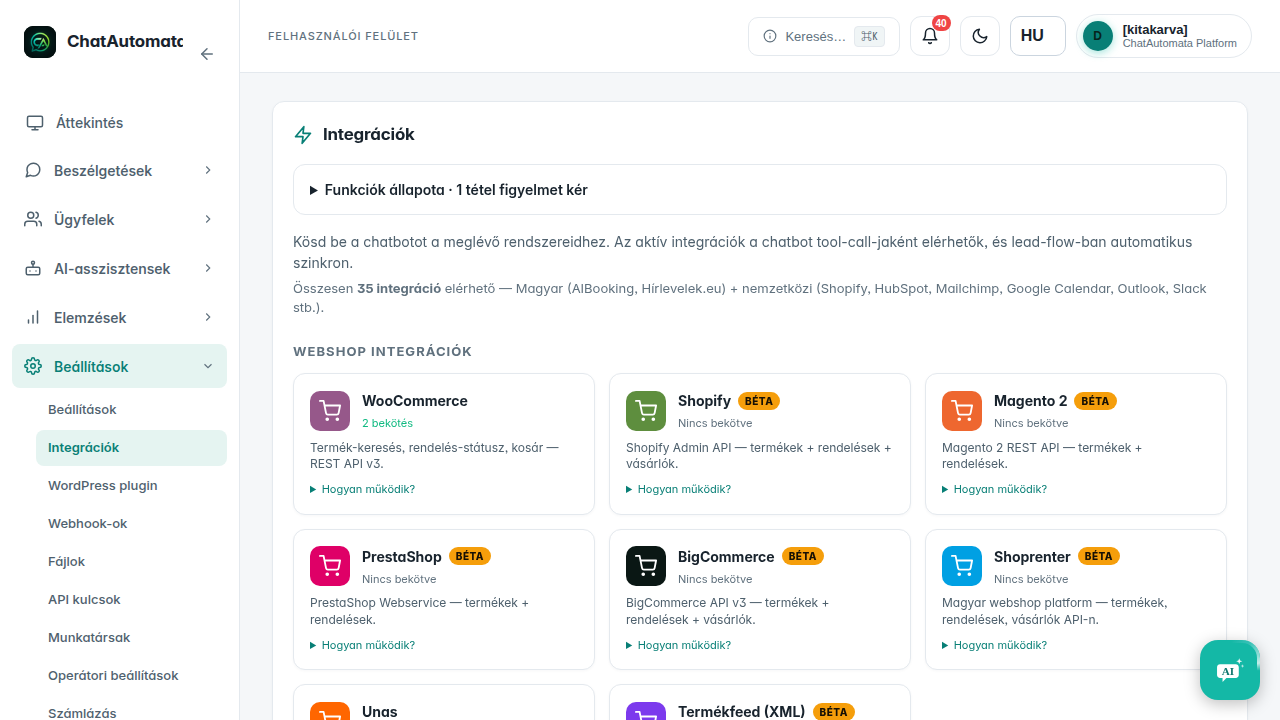
01Choose an integration
Open Settings → Integrations and select Shopify or your provider.
02Enter Shopify details
For Shopify, the form requires an xxx.myshopify.com domain and a compatible Admin API token. Enter the token only in the protected field.
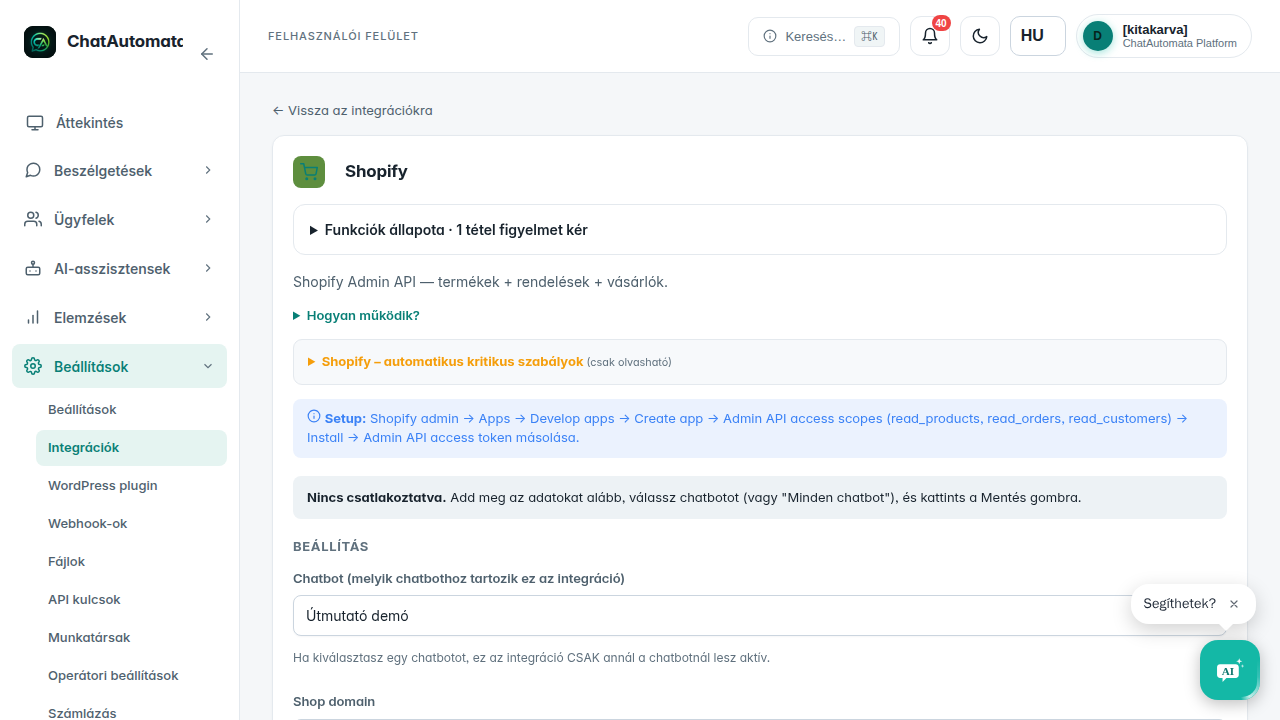
03Connect the chatbot
Select the appropriate chatbot and the available product and order read capabilities, then save and test the connection. This walkthrough shows the settings form; complete the connection using your own Shopify store credentials.
04Test a product
Ask about a demo product and variant, and compare price and stock with the shop. A Shopify variant can have a cart link; open the link to add the variant to the cart.
05Test an order
Provide the verification details requested by the bot, such as your own order number and email. Check setup and capabilities separately for other adapters; UNAS also supports adding products to the cart through the browser.
Check your result
- The connection test succeeds.
- You compared the results with your own shop.
Questions & answers
Do all webshop adapters work the same way?
No. Access, prices, stock and cart behaviour depend on the adapter and store.
Read the video transcript
Shopify and other shops.
Choose an integration. Open Settings → Integrations and select Shopify or your provider.
Enter Shopify details. For Shopify, the form requires an xxx.myshopify.com domain and a compatible Admin API token. Enter the token only in the protected field.
Connect the chatbot. Select the appropriate chatbot and the available product and order read capabilities, then save and test the connection. This walkthrough shows the settings form; complete the connection using your own Shopify store credentials.
Test a product. Ask about a demo product and variant, and compare price and stock with the shop. A Shopify variant can have a cart link; open the link to add the variant to the cart.
Test an order. Provide the verification details requested by the bot, such as your own order number and email. Check setup and capabilities separately for other adapters; UNAS also supports adding products to the cart through the browser.