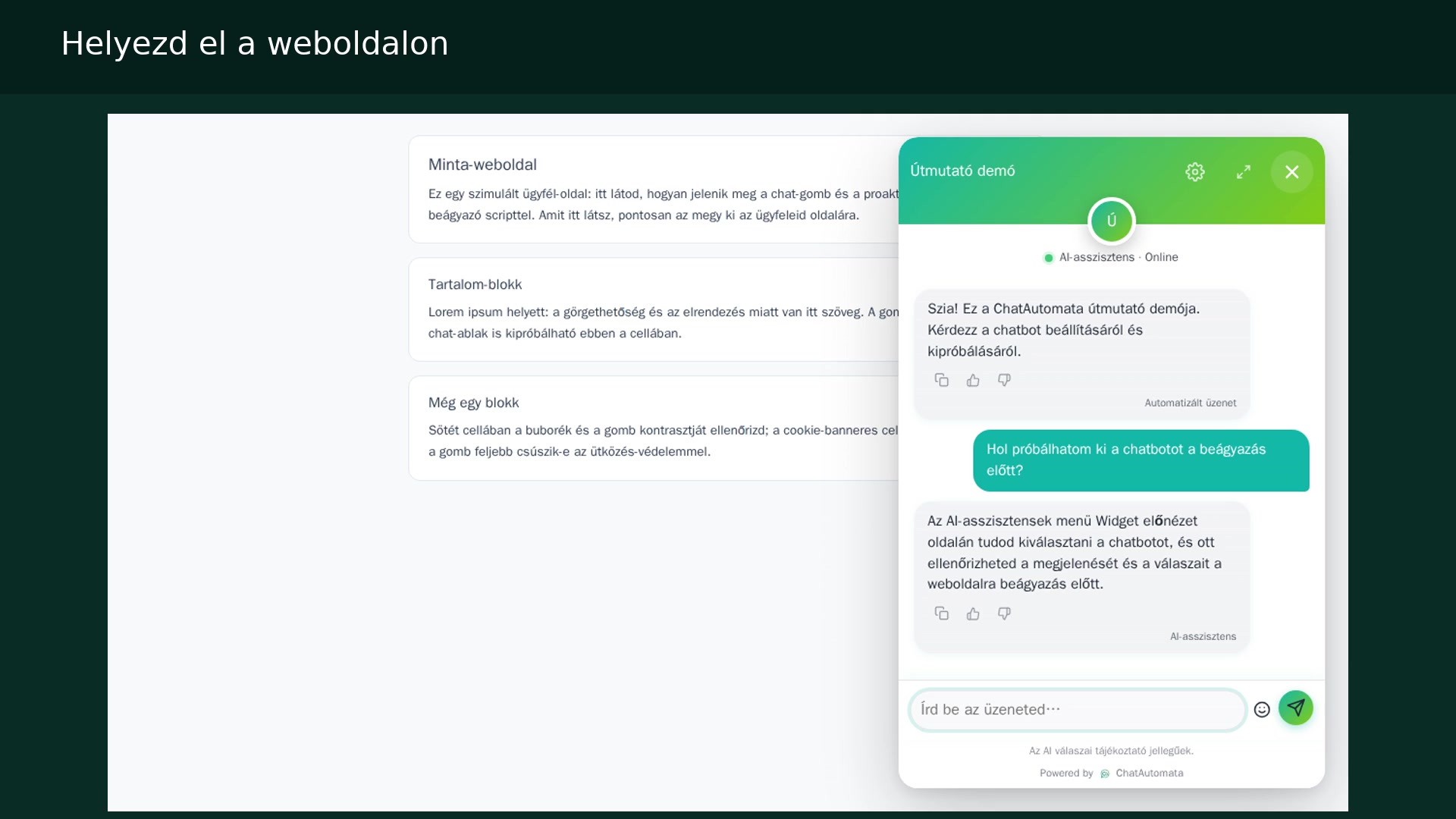
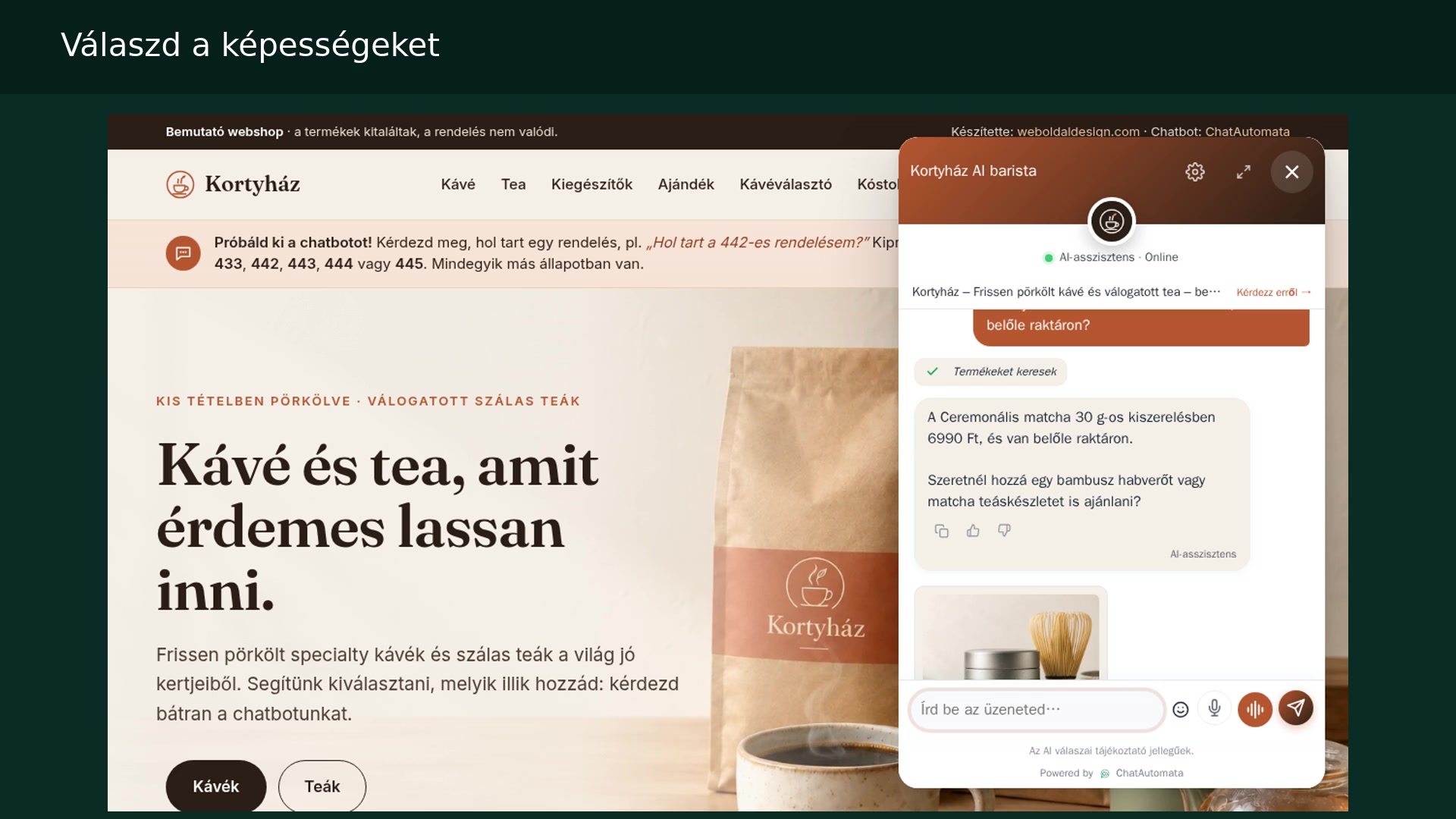
Watch the walkthrough
Hungarian narration · English and Hungarian subtitles
The screenshots show the Hungarian interface in our own demo account. Menu names are translated in the instructions below.
Before you begin
- Starter or higher, lead collection enabled, and your own test data.
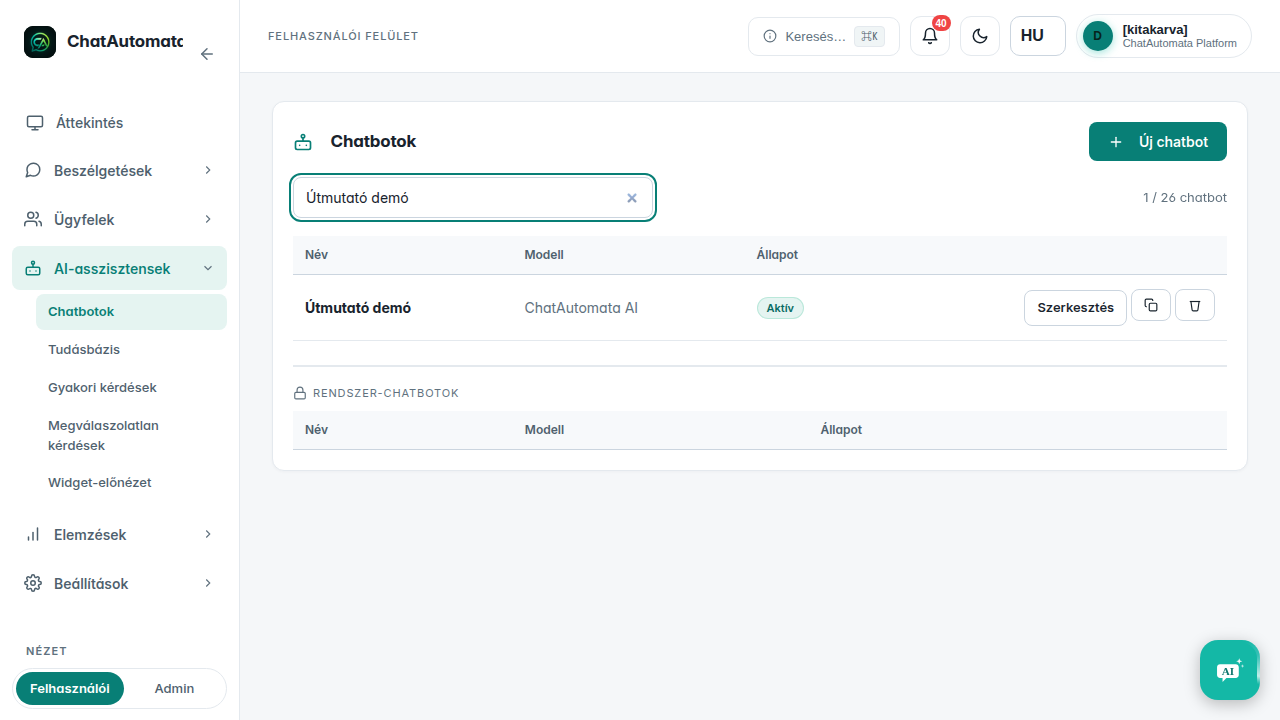
01Choose a chatbot
Open AI assistants → Chatbots and select your bot.
02Review notifications
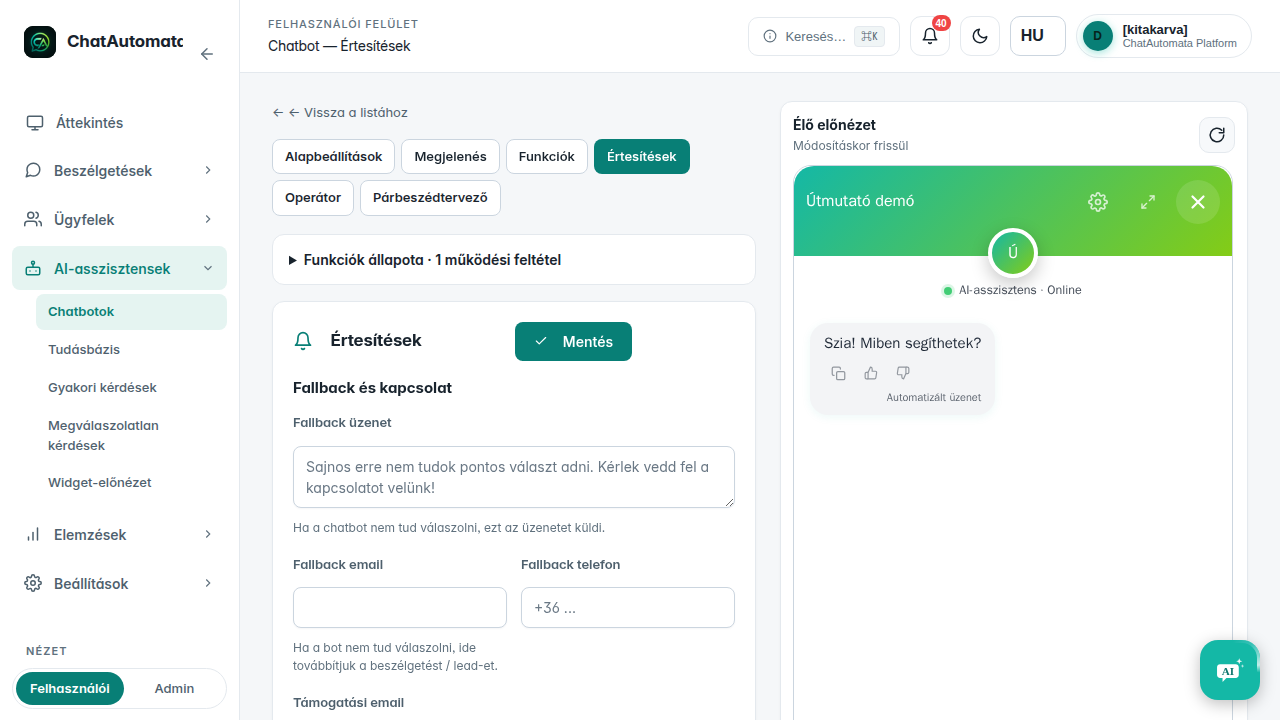
Enable lead collection on the Features tab. On Notifications, choose which events should send an email or Telegram notification.
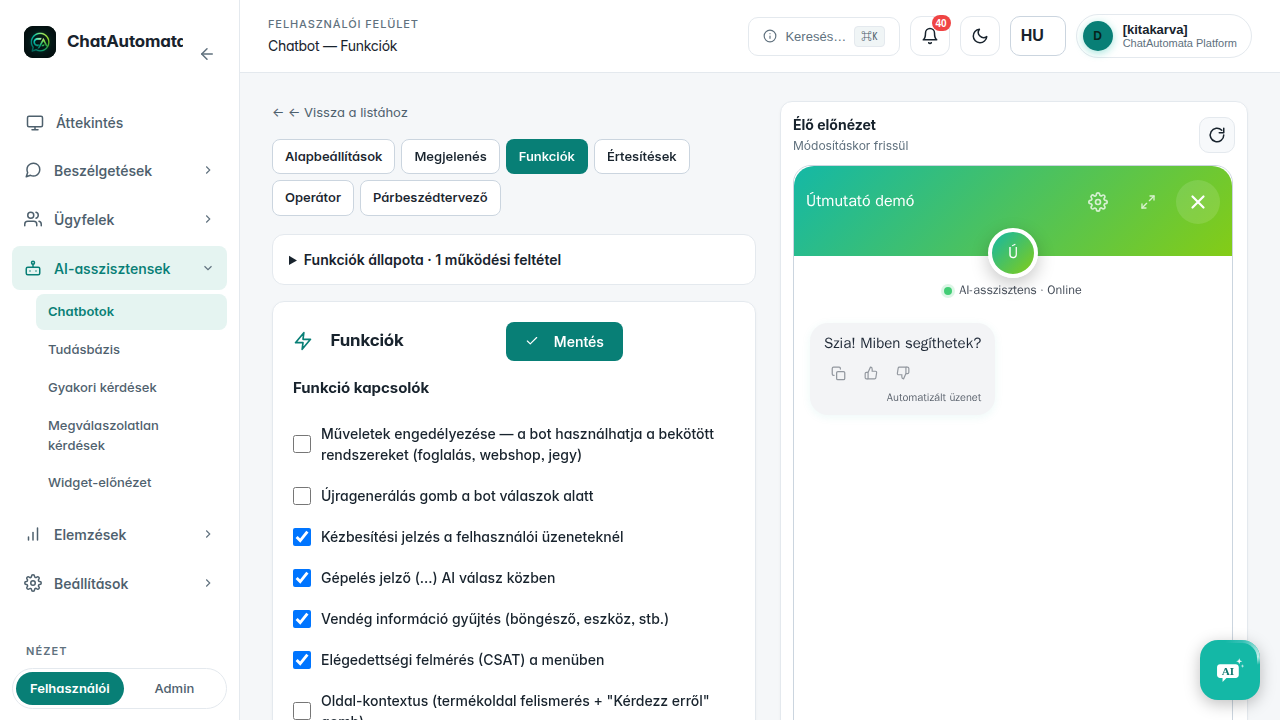
03Save settings
Enter your notification address, select the events and save. The demo shows the settings screen; check delivery in your own inbox.
04Run your own test
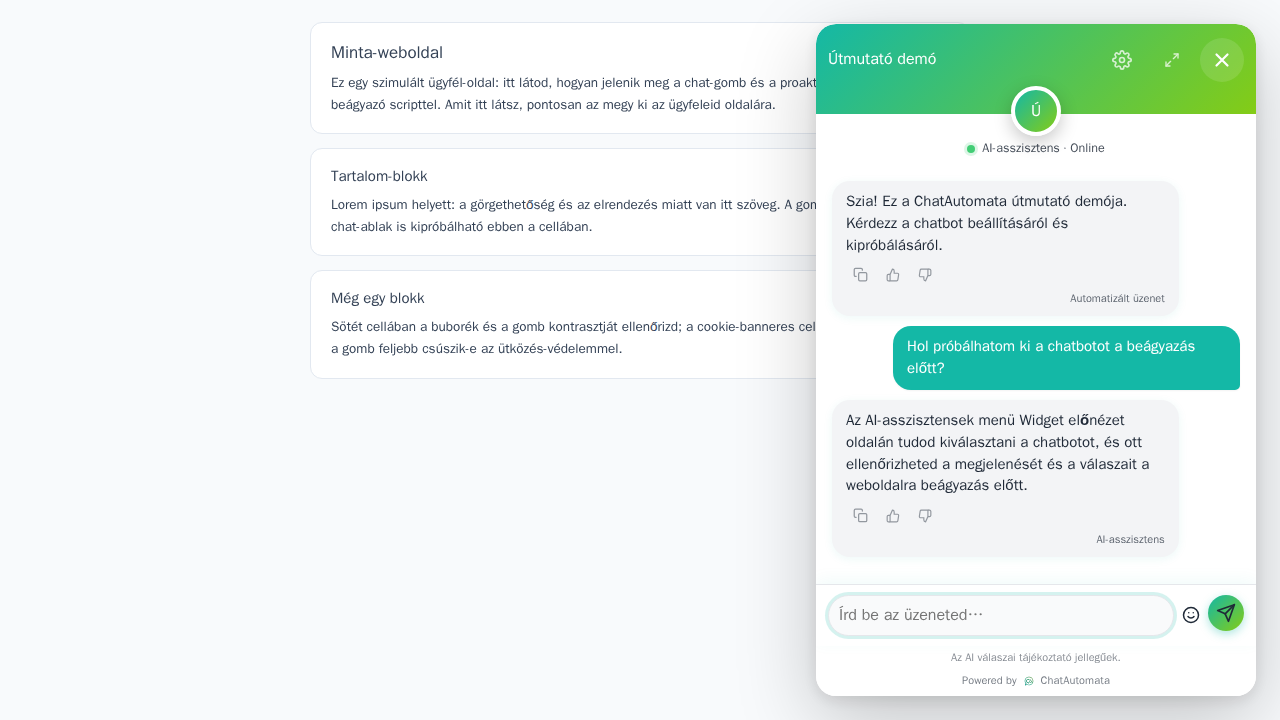
Use only data created for this purpose on your demo surface.
05Check the result
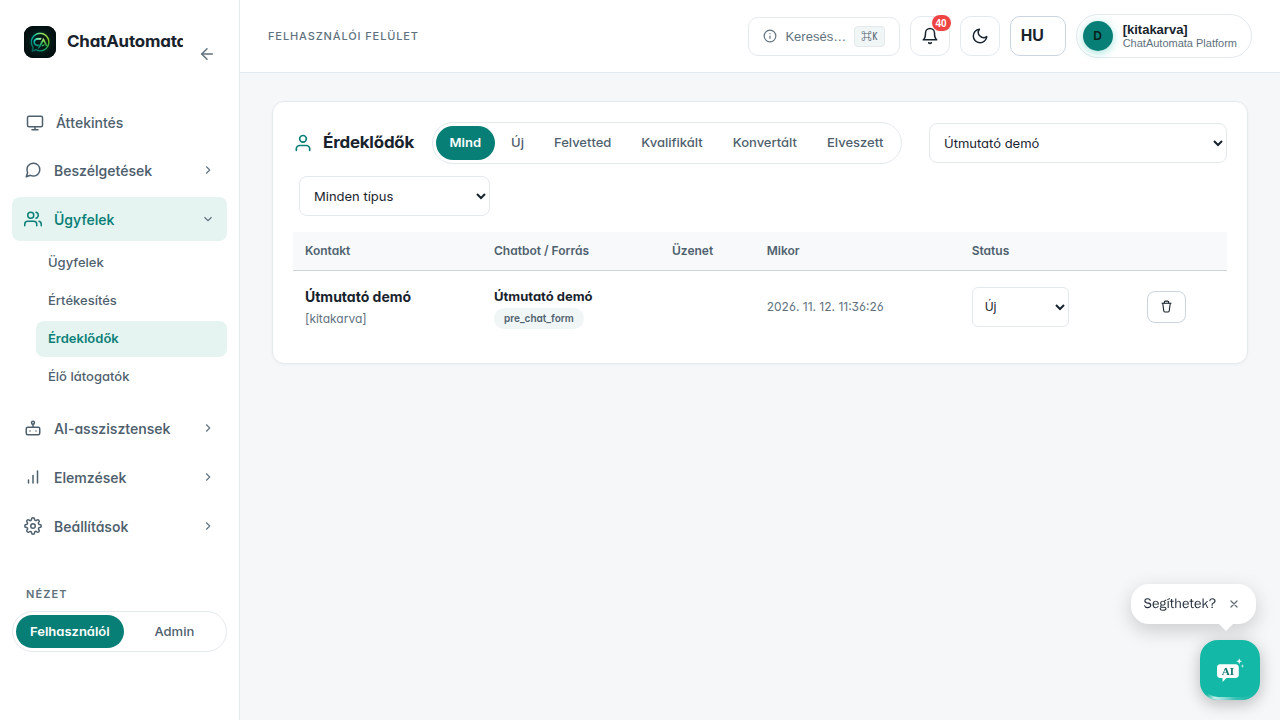
Open Customers → Leads and find your test record. Check the notification in the configured channel.
Check your result
- The test lead belongs to the correct bot.
- The configured notification channel is available.
Questions & answers
Is lead collection included in every plan?
Lead collection is available from the Starter plan.
Read the video transcript
Leads and notifications.
Choose a chatbot. Open AI assistants → Chatbots and select your bot.
Review notifications. Enable lead collection on the Features tab. On Notifications, choose which events should send an email or Telegram notification.
Save settings. Enter your notification address, select the events and save. The demo shows the settings screen; check delivery in your own inbox.
Run your own test. Use only data created for this purpose on your demo surface.
Check the result. Open Customers → Leads and find your test record. Check the notification in the configured channel.