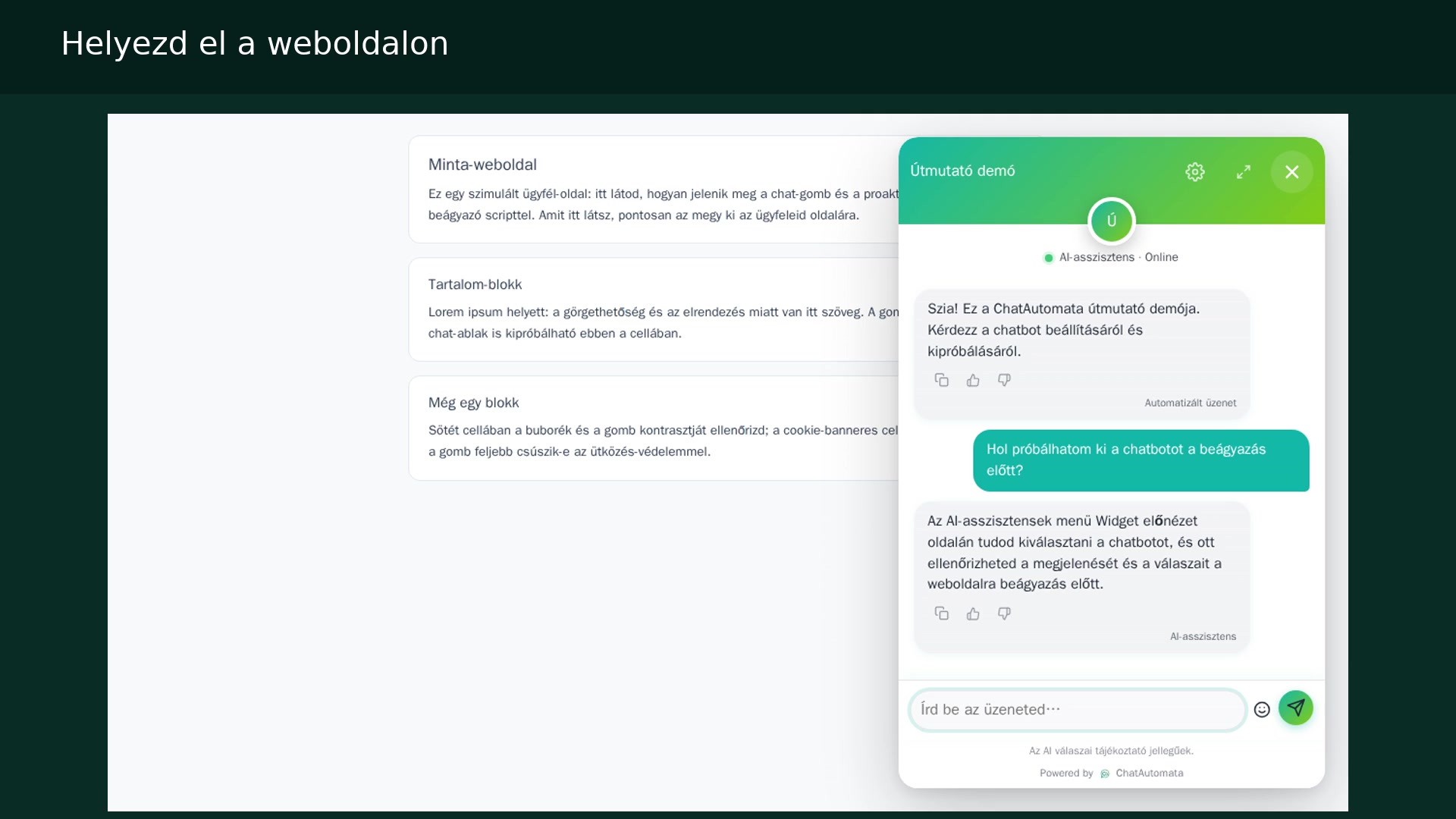
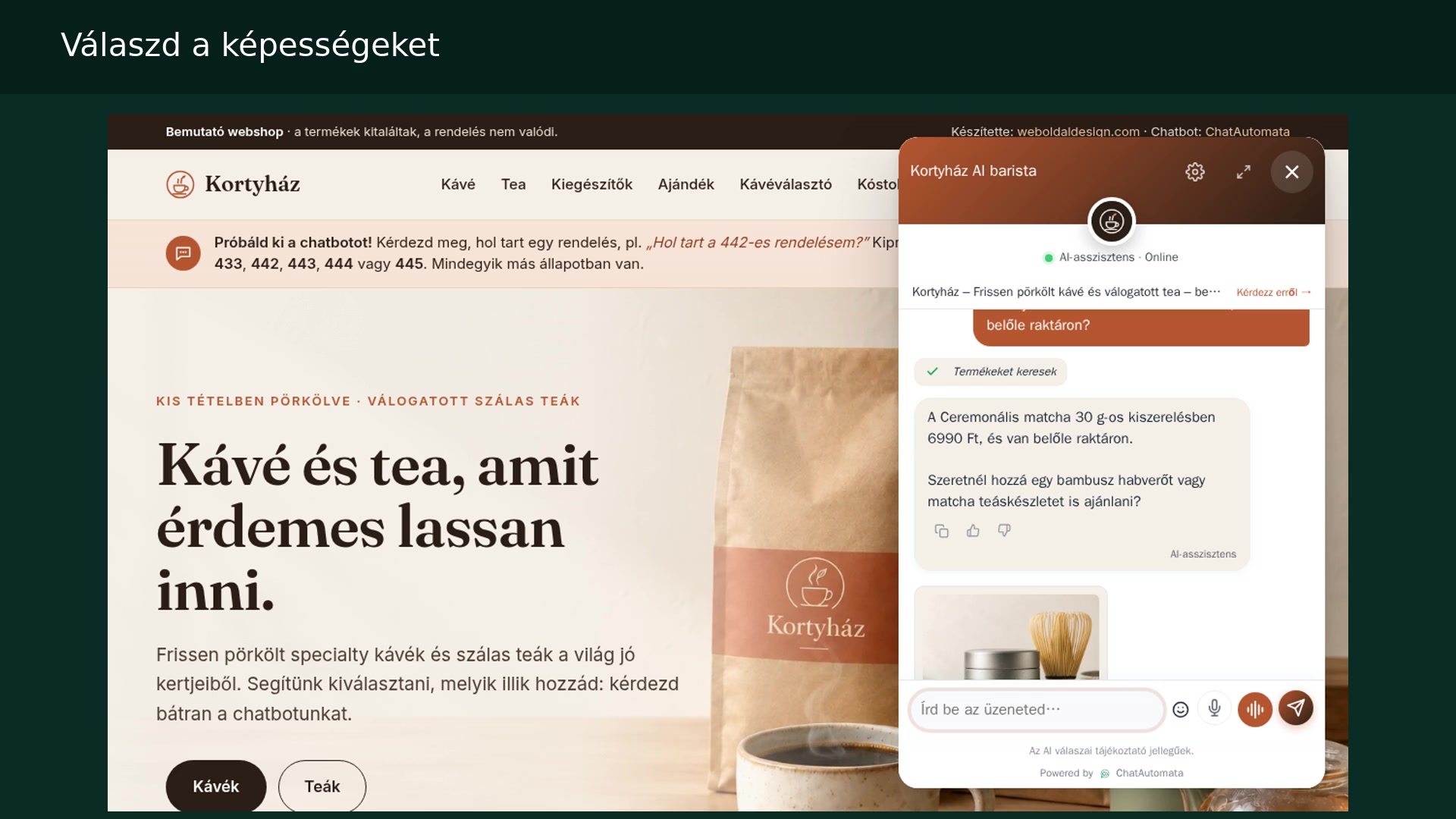
Watch the walkthrough
Hungarian narration · English and Hungarian subtitles
The screenshots show the Hungarian interface in our own demo account. Menu names are translated in the instructions below.
Before you begin
- A ChatAutomata account with available chatbot capacity.
01Open the list
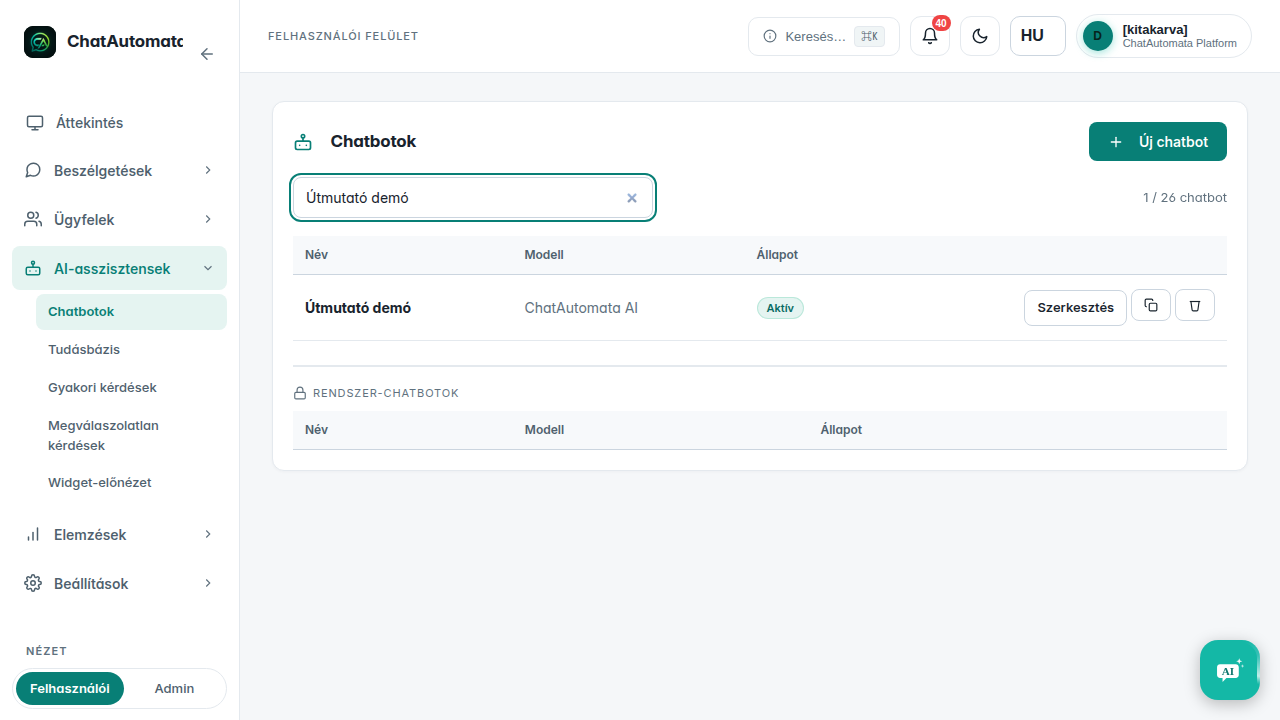
Open AI assistants → Chatbots and select New chatbot.
02Choose a setup mode
Choose Simple setup or Advanced setup. The first starts from a website; the second starts with manually entered basics.
03Enter the basics
Set the name and greeting, then save the chatbot.
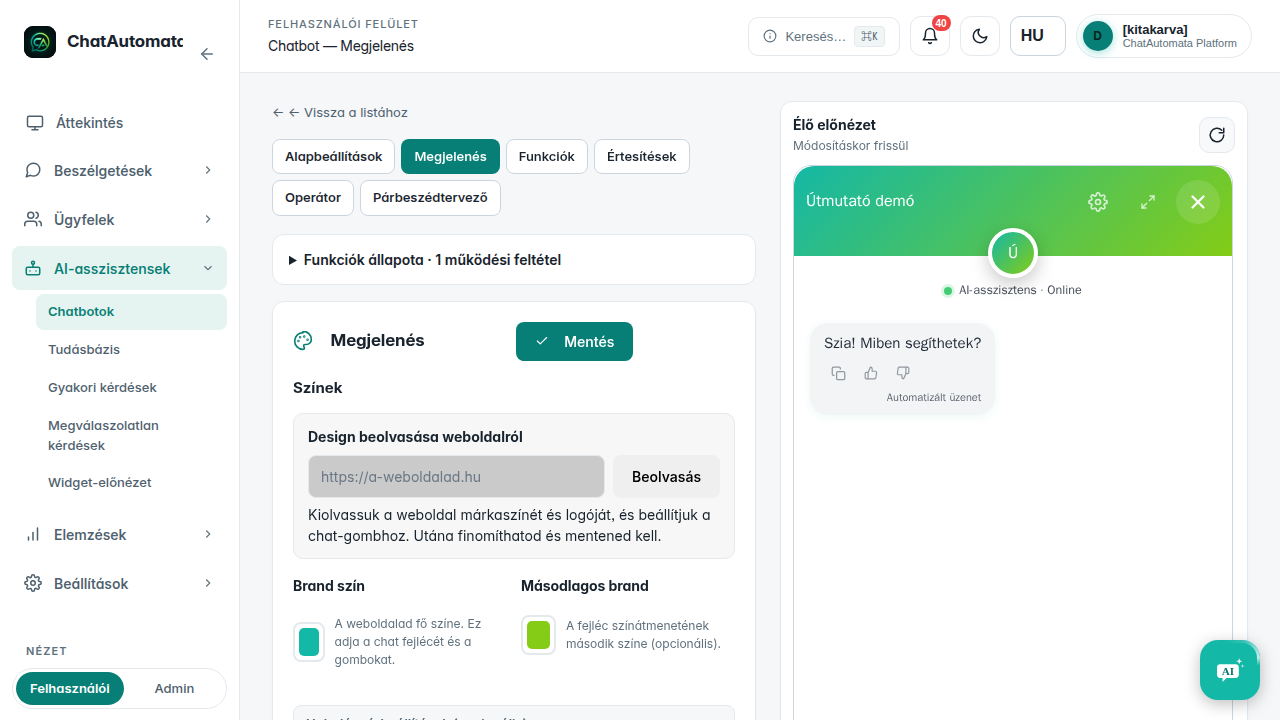
04Review the tabs
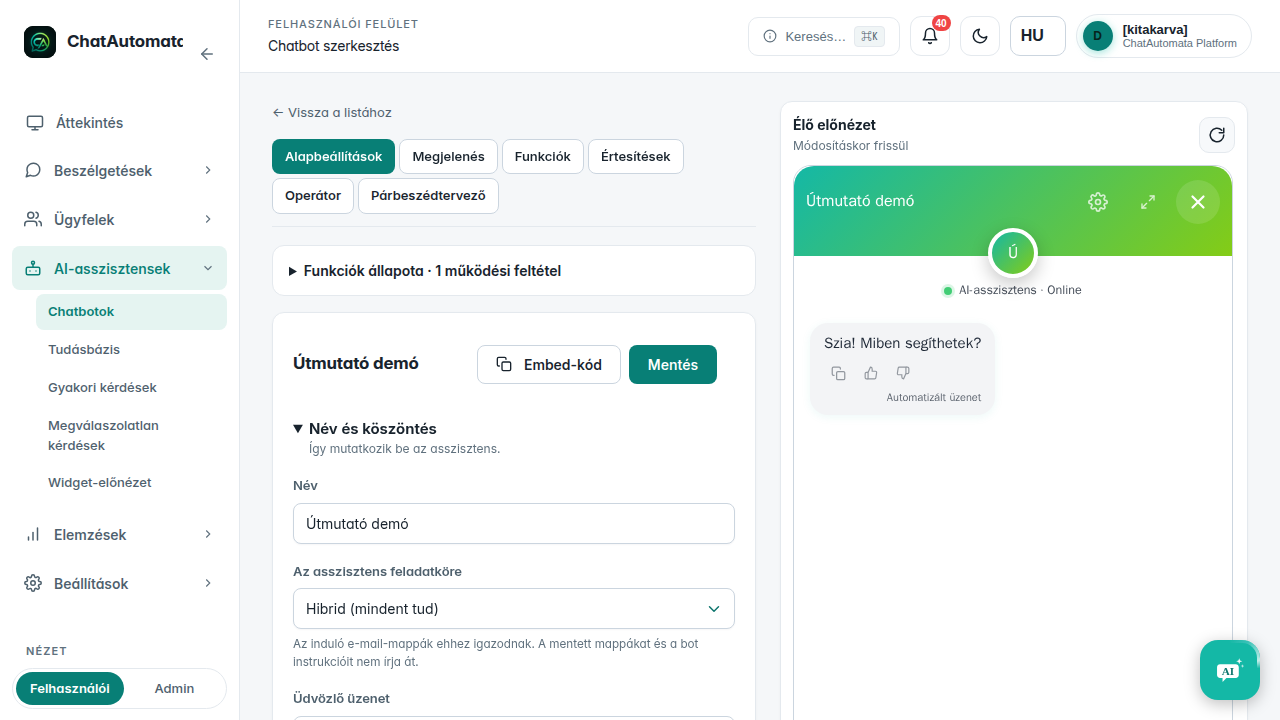
Review Basic, Appearance and Features on the bot page, then save the changes you need.
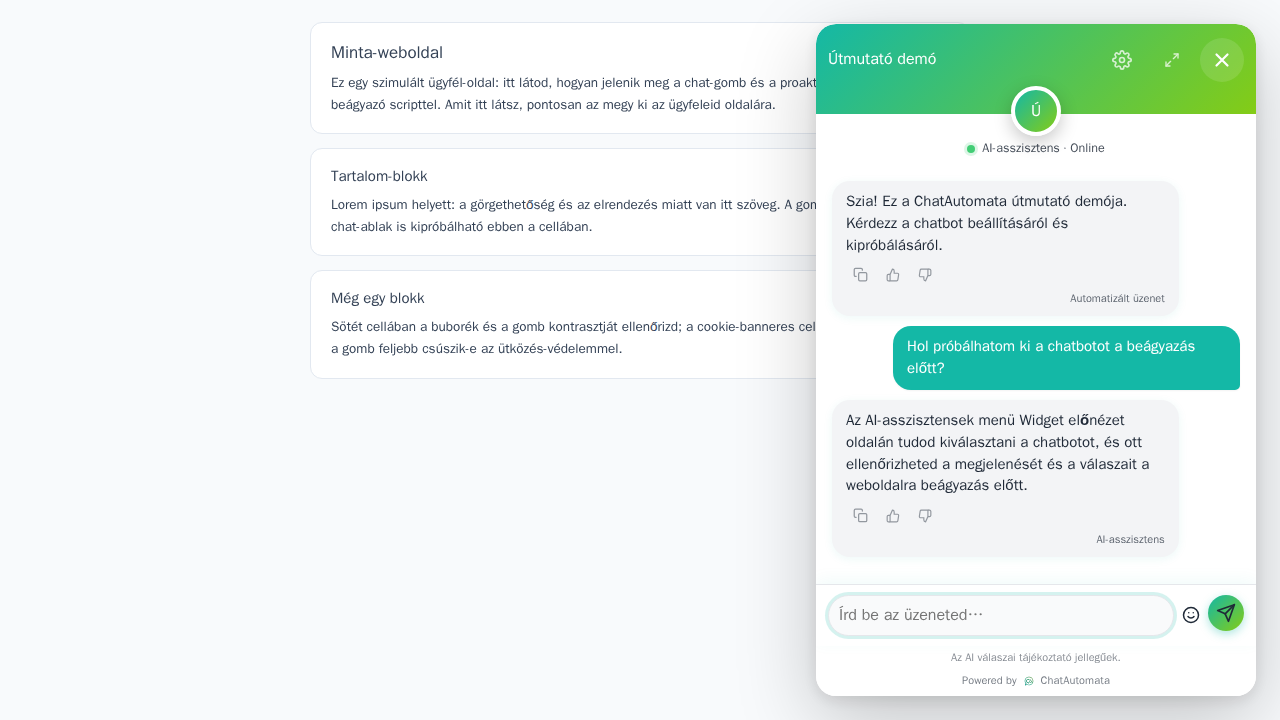
05Test in preview
Open AI assistants → Widget preview, select the bot and ask a test question.
Check your result
- The selected bot’s greeting and answer appear.
Questions & answers
Where are notification settings?
On the Notifications tab in the chatbot editor.
Read the video transcript
Set up and test a chatbot.
Open the list. Open AI assistants → Chatbots and select New chatbot.
Choose a setup mode. Choose Simple setup or Advanced setup. The first starts from a website; the second starts with manually entered basics.
Enter the basics. Set the name and greeting, then save the chatbot.
Review the tabs. Review Basic, Appearance and Features on the bot page, then save the changes you need.
Test in preview. Open AI assistants → Widget preview, select the bot and ask a test question.