Beauty salon chatbot: taking bookings on Messenger after hours
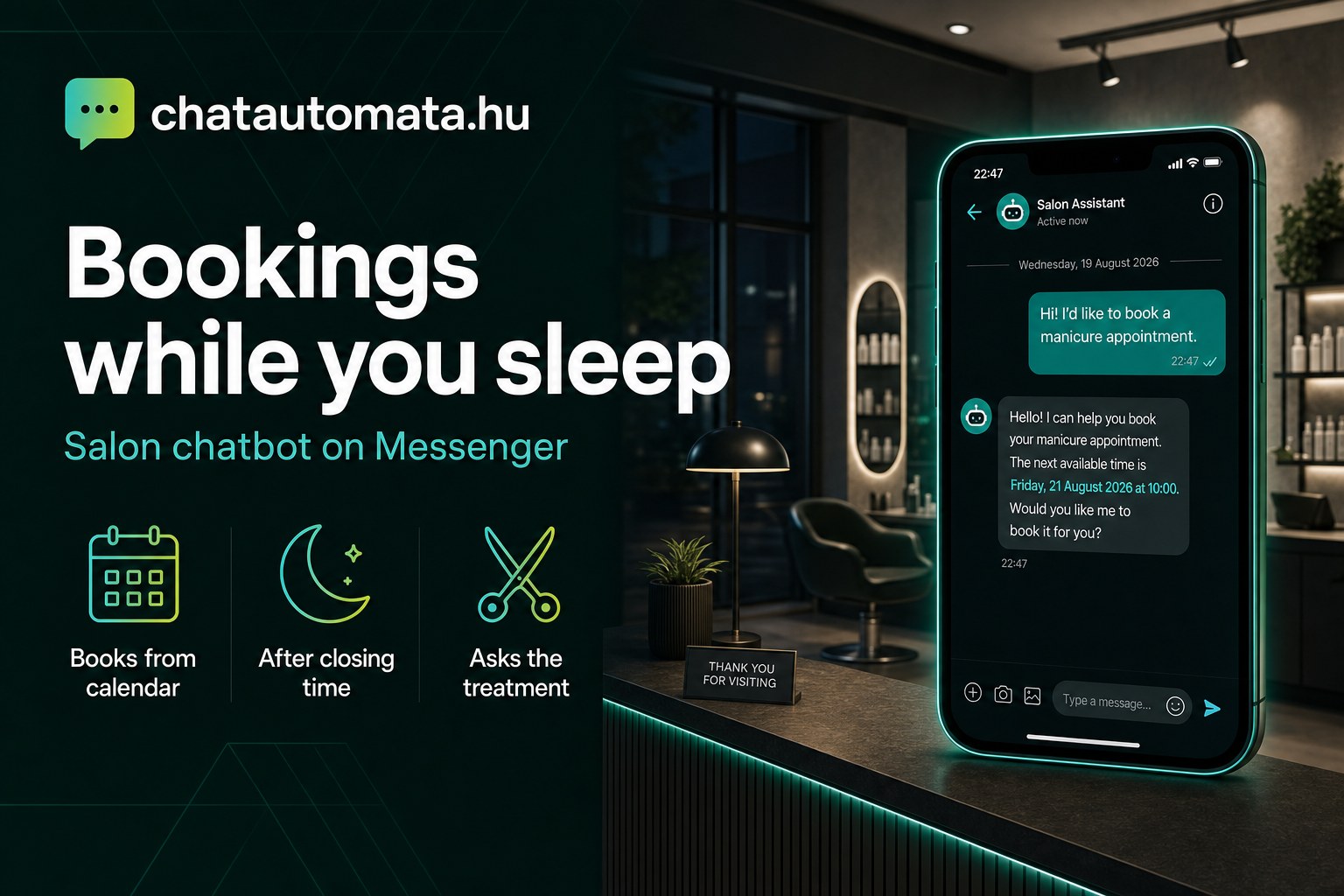
Half past nine in the evening. The salon is closed, you are at home. A Messenger notification appears: "Hi! Do you have any free slots on Friday for a haircut?" You read it, decide to reply in the morning — and by morning the client has booked somewhere else.
This is the most common form of lost revenue in a beauty salon. Not poor work, not pricing: simply that the question arrives when you have stopped working. This article walks through how a chatbot handles those messages on Messenger, how it books from your own calendar, and what you need to configure so it does not create chaos.
The decision happens after eight in the evening
The beauty industry has a particular rhythm: your clients are free to book exactly when you are not. After work, over dinner, before bed. And the questions are almost always the same three: is there a free slot, what does it cost, how long does it take.
If you answer those at eight the next morning, one of two things happens. Either the client is still available — or they have asked two other salons in the meantime, and whoever replied first won the booking. The decision was not made on quality. It was made on response time.
A chatbot closes that gap. Not to talk to your clients instead of you, but so that routine questions are not lost to slow replies. The same logic works in other service businesses — for photographers, for instance, the main gain is filtering price enquiries.
Why Messenger?
Because that is where your clients already are. A salon's Facebook page is typically more active than its website: it is where you post your work, where people comment, and where they message you. If someone sees a colour treatment in your feed, they will not click through to a booking form on your website — they will type into Messenger.
Connecting it takes minutes and needs no developer. In the dashboard, under Integrations → Channels, you click "Connect Facebook page", log in with Facebook, choose which page to link — and that is it. No copying page IDs, no fiddling with tokens; the page subscribes to notifications automatically.
One thing to plan around: Instagram connection is currently pending Meta approval. If your salon lives mainly on Instagram, factor that into your timeline — Messenger and the website widget, however, both work today.
Comments can turn into bookings too
There is one feature salons often overlook: comment automation. You define a few keywords — "price", "info", "booking" — and when someone comments with one under your post, the system automatically sends them a private message. If you enable it, it also posts a short public reply under the comment.
This matters because most salons either ignore "How much?" comments or answer them hours later. The system replies to any given comment only once, and never reacts to comments on your own page, so it will not come across as spam.
What should the bot ask before it books?
This is where a good salon chatbot separates itself from a bad one. A haircut is forty minutes; highlights can take three hours. If the bot offers the same one-hour slot for both, it has not helped you — it has created a problem.
That is what the treatment selector is for. The bot first establishes what the client actually wants, and only then looks for a slot — using the real duration of that treatment. A typical sequence in a salon looks like this:
- Which treatment are you coming for? — this determines the length of the booking
- Have you been to us before? — new clients get a longer slot, with a consultation
- Is there a particular stylist you prefer? — in a multi-person salon this is the key question
That third point is multi-staff support. If five of you work there, clients rarely book "the salon" — they book a specific colleague. So the bot checks that person's calendar rather than some shared pool of free time.
For certain treatments the questions carry more weight than convenience: the bot can run an allergy check before the appointment. With hair colouring or semi-permanent make-up, it makes a real difference whether the client declares this at booking or it surfaces while they are already in the chair.
How does the bot know when you are free?
This is the part most people get wrong, so it is worth slowing down here.
The bot connects to your Google Calendar (or Outlook). But a calendar knows exactly one thing about you: when you are busy. It does not know your opening hours, and it does not know that highlights take three hours. You configure those separately, under Integrations → Google Calendar → Booking settings:
- working days, plus opening and closing times
- the default appointment length in minutes
- a buffer between appointments — for cleaning and turnaround
- minimum notice: how many hours ahead a client can book
- per-service durations, in a simple list:
Haircut:40, Highlights:180, Manicure:90
The bot calculates genuinely free slots from those two sources — your settings and the busy blocks in your calendar. It will not book outside working hours, and it will not book over a conflict.
If you already use an external booking system that syncs to Google Calendar, that is fine too: bookings created there show up as busy blocks, so the bot works around them automatically. There will be no double booking. What the external system does not pass to the calendar is treatment duration — you still need to set that under Booking settings.
When the bot fails to book, the cause is almost never the AI itself. The four usual suspects: tool use is not enabled on the chatbot's Features tab; the integration is attached to a different chatbot than the one you are testing; calendar authorisation was left half-finished; or there is no bookable service behind it. The status bar on the integrations page flags all four.
When you reply: the operator pause
Many salon owners worry that the bot will talk over them when they answer a client themselves. It does not.
If you reply from your own Facebook inbox or Business Suite, the bot goes quiet automatically — this is the operator pause. It only takes the conversation back after an idle period you define. So when you are there, you talk; when you are not, the bot works.
You can also schedule it. Under Features → Channel AI control you can specify that the AI answers on Messenger only between, say, six in the evening and nine in the morning. During the day, while someone is on reception, replies can stay human.
One legal note belongs here: the EU AI Act (Article 50) requires that people know when they are talking to a machine. So in its first reply — in the client's own language — the bot briefly states that it is an automated assistant. This is mandatory and cannot be switched off. You can read the details on our AI Act page.
Cancellations, reminders and no-shows
In the beauty industry a no-show is a direct loss. You cannot fill a three-hour highlights slot at short notice on the same day.
The bot helps at two points. First, reminders: for recurring appointments — root touch-ups every six weeks, say — it prompts the client when the next one is due. Second, cancellation handling on your own terms: if you do not allow free cancellation within 24 hours, the bot says so, and the client does not have to ring you about it.
Technically, cancellation works two ways. If the booking was made in that same conversation, the bot can cancel or move it there and then. Earlier bookings can be changed by the client through the link in their confirmation email.
And one small thing that counts for a lot: you are notified of every booking. You do not have to watch your calendar to find out whether someone booked overnight.
What it costs, and where to start
The full breakdown is on the pricing page, but in short: there is a permanently free plan, then Starter at 4,990 HUF/month, Pro at 14,990 HUF/month and Business at 39,990 HUF/month. Paid plans can be trialled for 14 days without entering card details.
For an average salon, a single rescued highlights booking roughly covers the monthly Starter fee. It takes no miracle — only that a Friday evening question does not wait until Saturday morning for an answer.
If you are starting now, do not try to do everything at once. This order carries the least risk:
- Connect Messenger and let it answer only common questions for a week — opening hours, prices, parking. No booking yet.
- Read the conversations after that week. You will see what people actually ask, and in what words.
- Then enable booking, together with treatment durations and buffers.
That way you are not configuring a theoretical chatbot, but the one your clients actually need.
If you want the broader picture, our article on booking assistants covers how this works regardless of industry. For salon-specific features and worked examples, see the page for beauty salons.
Try it: with the free plan you can connect Messenger tonight and see your first overnight conversations tomorrow morning. Take a look at the demo, or start a 14-day Pro trial without a card.