Customer support automation for Hungarian webshops
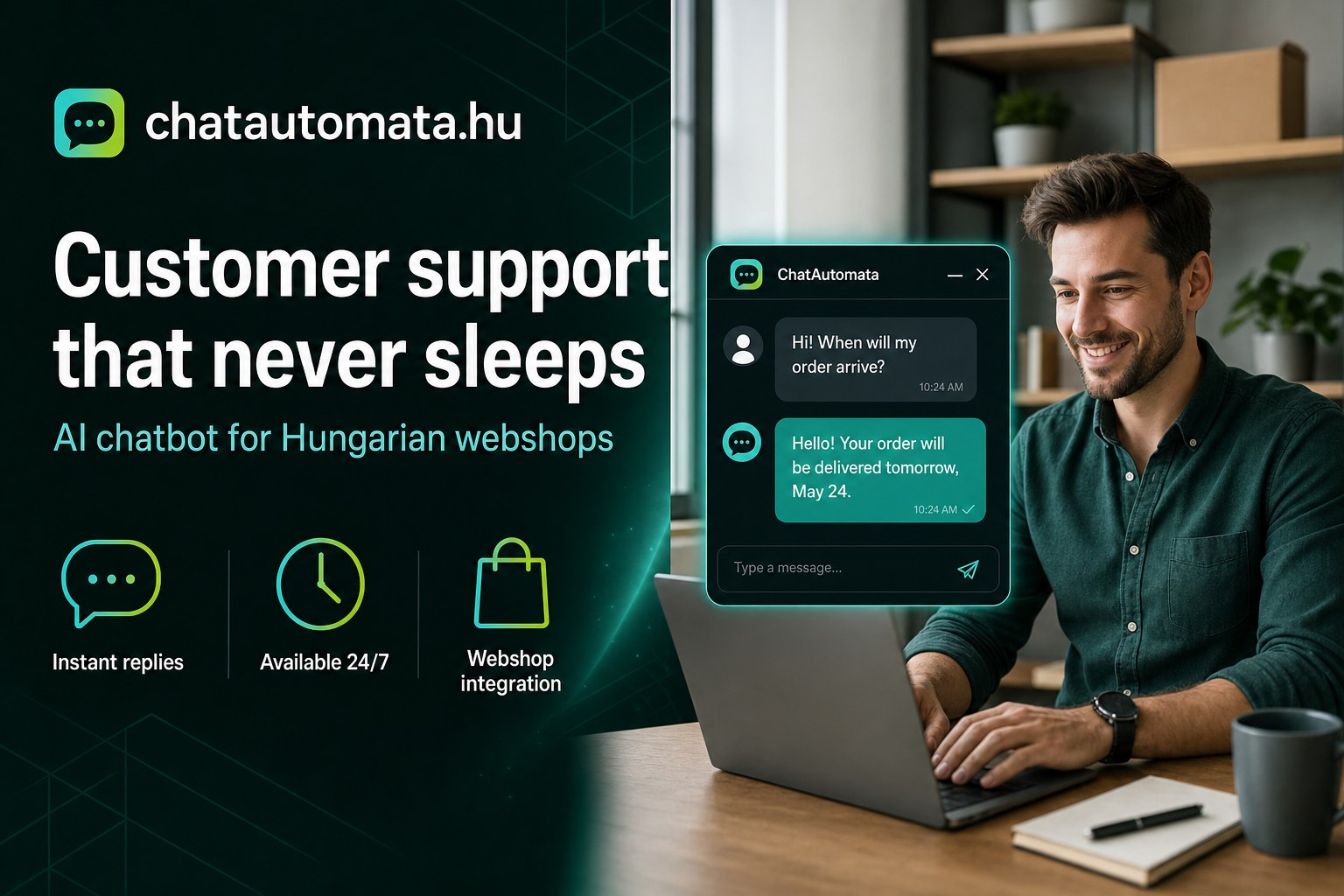
If you run a webshop, you know the feeling. It is 10:45 on a Friday night and you are still answering email, because a customer "just quickly wants to know whether the red one is still in stock". It is the forty-seventh message like that this week, and it is the same question you answered twelve times yesterday.
This is the hidden cost of repetitive customer support — and for Hungarian small businesses it is one of the largest. The problem is not the email itself. It is that you, or someone you pay, spend two to three hours a day answering questions that are predictable, structured and automatable.
This article walks through which questions an AI chatbot can genuinely handle, what you need to connect before it works, and what results to expect.
Which questions can actually be automated?
Most support email falls into a handful of recurring categories. For a typical webshop the split looks like this:
- "Where is my order?" (28%) — order status, tracking link
- "Is it in stock?" (19%) — availability, size or colour variants
- "How much is shipping?" (14%) — cost, delivery time, couriers
- "How do I return it?" (11%) — returns process, warranty
- "What size am I?" (9%) — size chart, recommendation
- "Is there a discount?" (8%) — coupons, promo codes
- Everything else (11%) — genuinely individual cases that need a human
The first six categories add up to 89%, and the answer to each is the same for every customer. That is exactly the work a well-configured chatbot can take over — in Hungarian, instantly, at any hour.
Note the remaining 11%. Those cases still need you, and a good setup makes sure they reach you rather than getting a vague non-answer.
What you need to connect before it works
An empty chatbot that replies "sorry, I don't know that" does more harm than good. Three things need to be in place:
A knowledge base. Upload your terms and conditions, shipping information, size charts and FAQ. The chatbot answers from these — it does not invent anything. If it cannot find the answer in your material, it asks for an email address and hands the question to you.
Webshop integration. This is what makes the bot useful rather than merely talkative. Connected to your WooCommerce, Shopify or Magento API, it can look up an actual order status, live stock level or tracking number instead of describing where the customer might find it.
A handover path. If the conversation goes two or three rounds without resolution, or the customer explicitly asks for a person, the chat needs to route to a human. Nobody should get stuck talking to a bot.
Of the three, the knowledge base is where the quality is won or lost. A precise, current price list and FAQ produces a chatbot that sounds like your best colleague. A vague one produces a chatbot that constantly escalates.
A Hungarian example: 85% fewer support emails
One of our clients — a fashion webshop handling roughly 200 orders a week — was dealing with 80 to 100 support emails a day before implementation. In practice that meant:
- 12 to 15 hours a week spent on email, about two and a half hours of one employee's day
- Average response time of four to six hours, which customers complained about
- Two or three lost orders a week, simply because the buyer did not wait
After three weeks of knowledge base work and WooCommerce integration:
- 80–100 emails a day dropped to 12–15
- 12–15 hours a week became two hours
- Response time went from hours to roughly two seconds in chat
- Conversion among chat-assisted buyers rose by 34%
The 85% reduction is not an outlier. It follows directly from the earlier number: if six question types make up 89% of your inbox and those six are answerable from your own documents, most of the volume disappears.
What it will not do
It is worth being honest about the limits, because overselling a chatbot is the fastest way to disappoint customers.
It will not resolve a complaint that needs a judgement call. It will not negotiate a custom price. It will not handle an angry customer well — those conversations should reach a person quickly, and the setup should make that easy rather than hard.
A chatbot earns its place by removing repetitive work, not by taking on everything. A bot that answers every question will eventually answer one it should not have.
Where to start
If you are setting this up for the first time, work in this order:
- Write down your ten most common questions and your actual answers to them. You almost certainly know these by heart.
- Upload your terms, shipping information and size charts. This is the material the bot will quote from.
- Connect your webshop so order status and stock lookups work.
- Set the handover rule — when should a conversation go to a human?
- Read the conversations after the first week. What people actually ask is rarely what you expected.
That last step is the one most people skip, and it is the most valuable. If fifteen customers ask the same thing, that is not a chatbot problem — it is a missing page on your website.
For a deeper look at the practical side, see our five tips for a Hungarian webshop chatbot. If you would rather see it working, the demo builds a bot from your own website content in about a minute.